Are You a Mindfulness Professional or Coach Looking to Grow Your Practice?
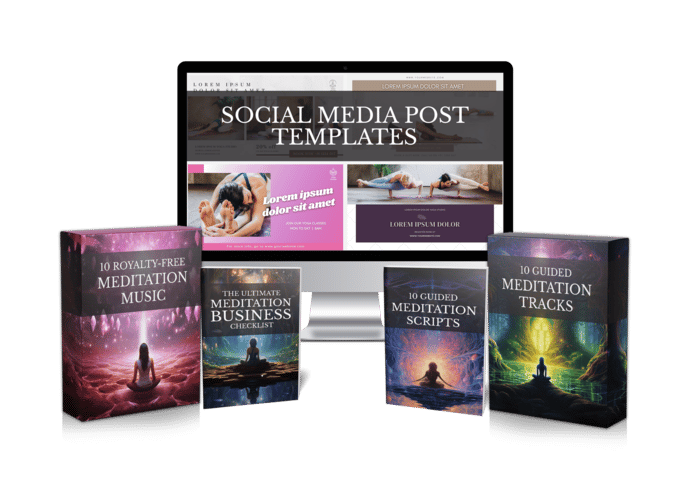
Share your best email address to receive the Meditation Mastery Kit — absolutely free. Inside, you’ll get done-for-you guided meditation scripts, royalty-free meditation tracks, and social media post templates to help you better serve your clients and expand your reach.

Text to Speech for Meditation Scripts: 7 Ways to Make AI Narration Sound Calm and Human
Sunday, October 18, 2026

You wrote a beautiful meditation. The words feel soft on the page, the pacing feels right in your head, and you can almost hear the room settle. Then you paste it into a tool that offers text to speech for meditation scripts and press play. What comes back is fast, flat and oddly cheerful, like a weather report about inner peace.
This is one of the most common frustrations for meditation teachers, coaches and faceless channel creators. The good news is that most of the problem isn’t the voice. It’s the script. A meditation written for a human to read aloud needs a few small changes before an AI voice can deliver it with the same calm.
Below are seven practical ways to prepare your script so text to speech sounds slow, warm and human, plus a simple way to turn that script into a finished audio or video track.
Why Text to Speech for Meditation Scripts Often Sounds Robotic
When you guide a live session, you do dozens of things without thinking. You slow down on the exhale. You let a silence stretch until the room breathes with you. You soften your voice on the word “release.” None of that is written in your script, so a voice engine has nothing to work with.
Text to speech reads what is on the page, at the pace the punctuation suggests. Long sentences get rushed. Missing pauses disappear entirely. Words like “now” and “gently” lose their weight because nothing tells the voice to linger.
The alternative many creators try is recording themselves, which brings its own late-night struggle: background noise, a nervous voice, and take after take of the same paragraph. Preparing your script properly for AI narration is often the faster, calmer path.

7 Ways to Prepare Meditation Scripts for Text to Speech
Step 1: Start with a script written to be heard.
Some scripts read well silently but feel crowded out loud. Choose or write a script with short sentences and plenty of breathing room. If you need a starting point, our library of guided meditation scripts is written for spoken delivery.
Step 2: Break long sentences into short ones.
An AI voice tends to carry a long sentence in one breath. Split it. “Notice your breath as it moves in through your nose and fills your chest” becomes “Notice your breath. Feel it move in through your nose. Let it fill your chest.” Each full stop becomes a small moment of rest.
Step 3: Use punctuation as your pacing tool.
Commas, full stops and ellipses all shape how a voice moves through your words. A comma usually gives a light pause and a full stop a longer one. Read a short passage back after each change and adjust until the rhythm feels like your own teaching.
Step 4: Plan your silences on purpose.
The most important part of a meditation is often what isn’t said. Mark where you want a long pause, such as after a breathing cue or before a visualization. Some tools let you insert pause markers; if yours doesn’t, put each cue in its own short paragraph so the gaps are easier to control.
Step 5: Spell things the way they should sound.
Sanskrit terms, unusual names and words with two pronunciations can trip a voice up. Try a phonetic spelling if a word comes out wrong, for example writing “nee-dra” instead of “nidra.” Keep a small list of fixes so every future script sounds consistent.
Step 6: Remove what only works on paper.
Headings, bullet points, brackets and stage notes like “(pause here)” may be read aloud word for word. Strip them out, or convert them into spoken cues. Your final script should contain only the words you want your listener to hear.
Step 7: Choose a voice that matches the practice.
A sleep meditation wants a low, unhurried voice. A morning affirmation can be brighter. Test two or three voices on the same opening paragraph and pick the one that makes you breathe a little slower.

A Quick Checklist Before You Hit Generate
Before you turn your script into audio, run through this short list. It takes a few minutes and saves you from regenerating the whole track later.
- Short sentences — most lines can be read comfortably in one slow breath.
- Planned pauses — breathing cues and transitions have room around them.
- Clean text — no headings, brackets or notes that would be read aloud.
- Tricky words checked — names and special terms sound right in a test clip.
- Voice matched to purpose — sleep, focus, prayer or affirmation each has the right tone.
- Music decision made — you know whether this track needs a soft background or pure narration.
From Polished Script to Finished Meditation Track
A well-prepared script is half the job. The other half is everything that usually happens after: narration, background music, visuals, and making sure you are actually allowed to use all of it commercially. That last part is where many creators lose hours.
Mindful Render was built for exactly this stage. You bring your script, or let its AI scriptwriter draft one, and it turns the text into a guided meditation, affirmation or prayer video or audio in minutes. You can choose a natural AI voice or clone your own so the narration still sounds like you.
Imagine a yoga teacher, let’s call her Lena, who wants a short body scan for her students to use between classes. Instead of booking a quiet evening to record, she prepares her script using the steps above, adds a gentle background track and a calm visual in Mindful Render, and has a finished recording to share the same afternoon. If she prefers, she can keep it as narration only, with no music at all.
Because users get full commercial rights to what they create, with attribution optional, the same track can go into a course, a client library or a meditation channel without a licensing puzzle.

What Changes When Narration Stops Being the Bottleneck
Once your scripts are written for the ear and your narration no longer depends on a perfect recording session, something shifts. You stop saving meditations for “when I have time to record.” You can publish consistently, test new themes, and build a library your students or listeners can return to every day.
Most importantly, your energy goes back into the part only you can do: choosing the words that help someone feel calmer. The voice, the music and the finishing touches can follow your lead.
You can try Mindful Render free and hear how your next meditation script sounds as a finished, calm narration, ready to share.
Want to Turn This Script Into a Professional Meditation Audio or Video in Just Few Clicks?

Meet Mindful Render, the ultimate A.I. tool for wellness creators. Skip the expensive microphones and editing software—our platform lets you generate studio-quality, ready-to-publish meditation videos or tracks from any text with in minutes. Just paste your script and let Mindful Render bring it to life.
Looking for More Resources to Grow Your Mindfulness Practice or Support Your Clients?
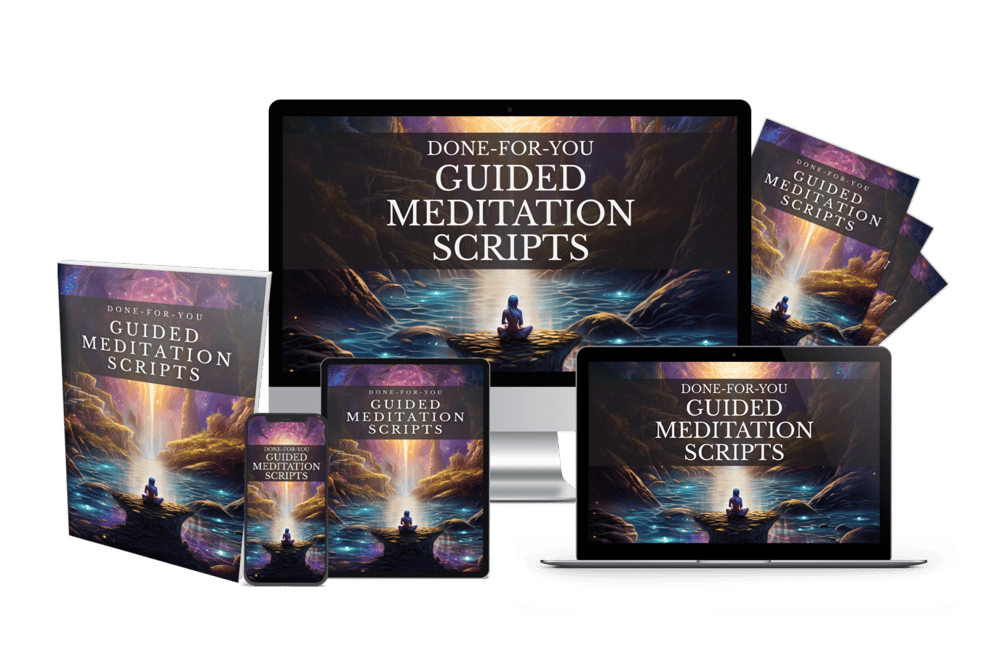
Thanks for reading this article ,If you’re looking for more resources to support your mindfulness practice or enhance your coaching sessions, visit mindfulnesscontent.com. We offer a comprehensive 600+ done-for-you guided meditation script bundle, perfect for professionals who want ready-to-use content to help their clients find peace and clarity. Plus, as a special gift, you can download 10 free guided meditation scripts to get started. Head over to our site to discover more tools and content designed to help you on your journey to mindfulness and wellness.
Looking for a Simple Way to Feel More Calm, Centered, and Inspired?
If you're not using these resources for a coaching practice or business, no worries .The following free resources were created to help you find more peace, healing, and balance, wherever you are in life:
Download The Best Free Meditation App- Manifesty

Access hundreds of powerful guided meditations designed to help you relax, recharge, and manifest the life you desire — anytime, anywhere.
Get Your Free Free Aroma Therapy Starter Kit

Get a free Aromatherapy Guide, Essential Oil Planner, 100+ Recipes, DIY Projects, 25% off our favorite bundle and Everything you need to begin your wellness journey!

About the Author - Nick Tsai
Nick Tsai is a Life Coach, Certified Meditation Coach, and NLP Practitioner. He created MindfulnessContent.com to help coaches grow their practice and make mindfulness more accessible through done-for-you scripts and resources. His mission is to empower both professionals and individuals on their journey to greater clarity, calm, and impact.
Want To Grow Your Mediation Practice?
Click the button below and to receive the Meditation Mastery Kit absolutely free. Gain access to a treasure trove of free guided meditation scripts, tracks, and social media post templates
Resources
Want To Grow Your Mediation Practice?
Get Our Meditation Mastery Kit For Free
Click the button below and to receive the Meditation Mastery Kit absolutely free. Gain access to a treasure trove of free guided meditation scripts, tracks, and social media post templates