Are You a Mindfulness Professional or Coach Looking to Grow Your Practice?
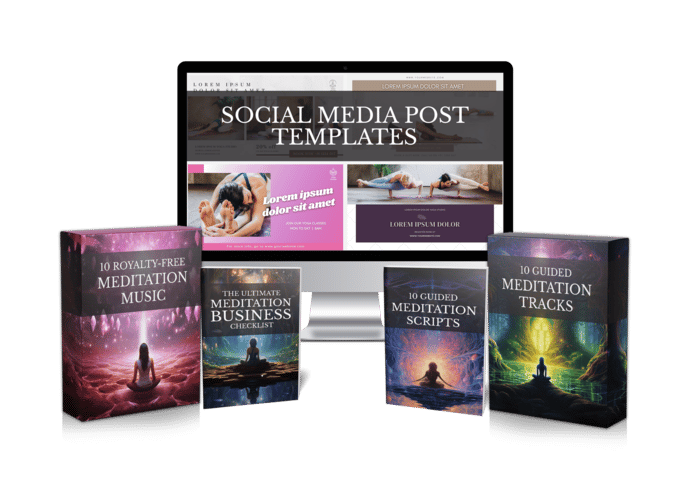
Share your best email address to receive the Meditation Mastery Kit — absolutely free. Inside, you’ll get done-for-you guided meditation scripts, royalty-free meditation tracks, and social media post templates to help you better serve your clients and expand your reach.

How to Start a Faceless Meditation YouTube Channel: A Calm 7-Step Guide for Wellness Creators
Thursday, October 15, 2026
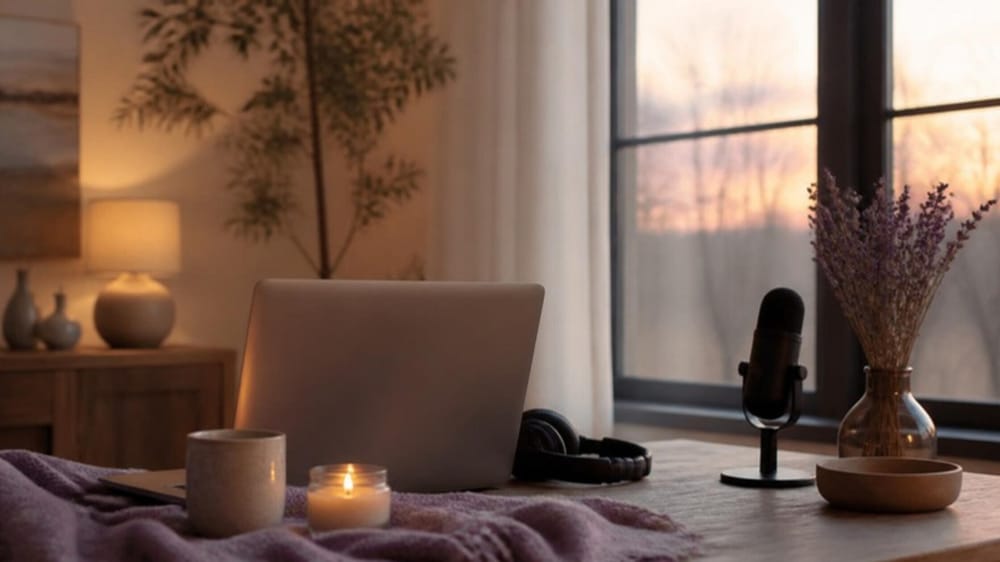
If you’ve ever wanted to share calming meditations with the world but felt your stomach drop at the thought of being on camera, you’re not alone. The good news: you can learn how to start a faceless meditation YouTube channel and never show your face at all. Your voice, your words and a peaceful atmosphere do the work.
This guide walks you through seven practical steps, from choosing your niche to publishing on a rhythm you can actually keep. It’s written for meditation teachers, yoga teachers, coaches and anyone who wants a quiet, sustainable way to grow a meditation channel online.
Why Faceless Meditation Channels Work (and What Stops Most People)
Meditation is one of the few genres where viewers don’t want to watch a person. They close their eyes, lie down or drift off to sleep. What they care about is a soothing voice, gentle music and a calm visual that doesn’t pull their attention.
So why do so many would-be creators never hit publish? Usually it’s the production. Recording at home means fighting traffic noise, a nervous voice and endless re-takes. Then come hours of editing, syncing music and hunting for visuals you’re actually allowed to use. Imagine a yoga teacher, let’s call her Maya, who writes beautiful scripts but has a folder of half-finished recordings she never uploads. That’s the gap this guide is meant to close.
Steps 1–2: Choose Your Niche and Plan Your Content
Step 1: Pick a clear, specific niche.
“Meditation” is broad. “Sleep meditations for anxious minds,” “morning affirmations for women in business” or “Christian prayer meditations” are much easier for both viewers and YouTube to understand. A focused niche also makes every future decision simpler, from thumbnails to voice style.
Step 2: Map out three to five content pillars.
Pillars are the recurring themes your faceless meditation channel returns to. They keep you from staring at a blank page every week and help viewers know what to expect.
- Sleep — longer, slower sessions for bedtime and rest.
- Stress relief — short resets for busy days and anxious moments.
- Morning intention — affirmations and grounding to start the day.
- Seasonal or spiritual themes — full moon, new year, prayer or gratitude practices.
Write down ten video ideas for each pillar. That list becomes your first few months of content, and it’s far easier to stay consistent when the ideas are already waiting for you.
Steps 3–4: Write Your Scripts and Find Your Voice
Step 3: Start with a strong script.
A good guided meditation has a gentle opening, a settling breath, a main journey or focus, and a soft return. Read it aloud and trim anything that feels rushed. If you’d like a head start, you can adapt one of these guided meditation scripts to fit your niche and voice.
Step 4: Decide how your narration will be made.
You have two paths. You can record yourself, which needs a quiet room, a decent microphone and patience with re-takes. Or you can let a natural-sounding AI voice narrate your script, so you skip the recording booth entirely.
This is where Mindful Render fits in nicely. It can help you write the script with its AI scriptwriter, then narrate it with calm, natural AI voices. If you want your channel to sound like you, its voice cloning lets you narrate in your own voice without recording every session from scratch.
Steps 5–6: Add Visuals and Music You’re Allowed to Use
Step 5: Choose calm, consistent visuals.
Faceless meditation videos usually rely on slow nature scenes, soft gradients or peaceful interiors. Keep a consistent look across your videos so your channel feels like one calm place rather than a random collection of clips.
Match the visual to the purpose of the session. A sleep meditation suits dim, slow imagery like a moonlit lake, while a morning affirmation can feel brighter and warmer. Avoid busy footage, sudden cuts or anything that pulls the eyes away from rest, because many of your listeners will glance at the screen only once before closing their eyes.
Step 6: Use background music with clear rights.
Music is where many new channels run into trouble. A track that “sounds free” online may not be cleared for commercial use, which matters if you ever want to monetize or sell your meditations. Always know where your audio and visuals come from and what the license allows.
Before you add any asset, run through a quick check:
- Commercial use — the license covers monetized videos and paid products.
- Attribution — you know whether a credit is required and where to put it.
- Consistency — the music and visuals match your channel’s mood.
- Volume balance — music sits gently under the voice and never competes with it.
With Mindful Render, your finished meditation video comes together with custom background visuals and background music, or narration with no music if you prefer silence. You get full commercial rights to what you create, and attribution is optional, which takes a lot of licensing worry off your plate.
Step 7: Publish Consistently Without Burning Out
Step 7: Set a rhythm you can keep for months.
Consistency matters more than volume. Two thoughtful videos a week that you can sustain beat a burst of daily uploads that fizzles after three weeks. Batch your work: write several scripts in one sitting, produce them together, then schedule them ahead.
Keep quality and originality front and center. In July 2025, YouTube updated its Partner Program guidelines to make clear that mass-produced, repetitive content isn’t eligible for monetization, under what it now calls “inauthentic content.” The safest path is to give every video its own script, theme and purpose, and to bring your real perspective as a teacher or guide.
A few simple habits help: write titles that describe the benefit clearly (“10 Minute Sleep Meditation for Racing Thoughts”), use a soft, readable thumbnail style, and read your comments to learn what your listeners want next.
What a Sustainable Faceless Channel Feels Like
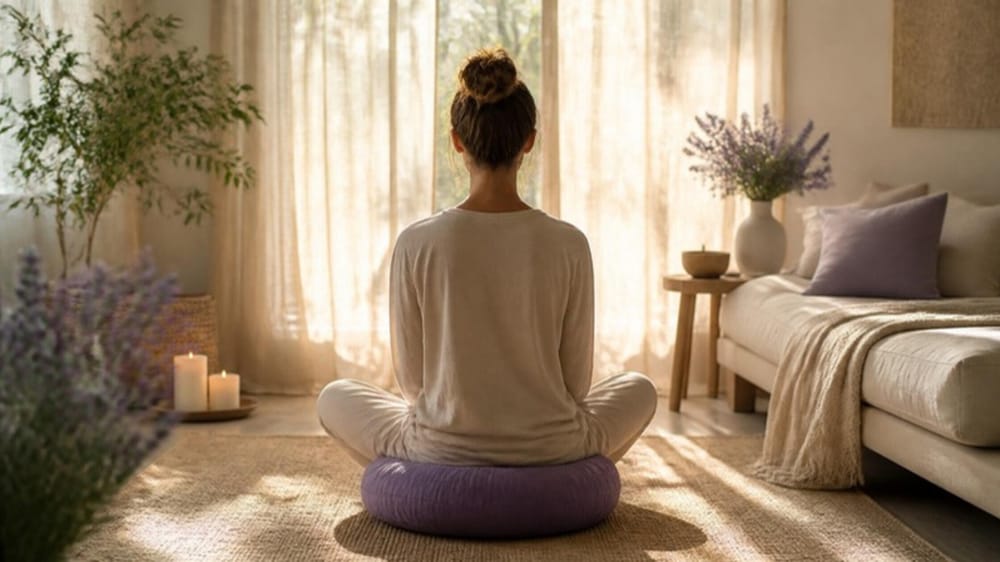
Go back to our example teacher, Maya. Instead of a folder of unfinished recordings, picture her spending one calm afternoon a week writing scripts, turning them into finished videos, and scheduling them out. No studio, no camera, no late-night editing sessions.
That’s the real promise of a faceless meditation YouTube channel. It lets you focus on what you’re good at, guiding people into stillness, while the production stays simple enough to repeat week after week. Growth takes time and there are no guarantees, but a steady library of thoughtful meditations is something you can build at your own pace.
If you’re ready to begin, you can try Mindful Render free and turn your first script into a finished, calming meditation video today.
Want to Turn This Script Into a Professional Meditation Audio or Video in Just Few Clicks?

Meet Mindful Render, the ultimate A.I. tool for wellness creators. Skip the expensive microphones and editing software—our platform lets you generate studio-quality, ready-to-publish meditation videos or tracks from any text with in minutes. Just paste your script and let Mindful Render bring it to life.
Looking for More Resources to Grow Your Mindfulness Practice or Support Your Clients?
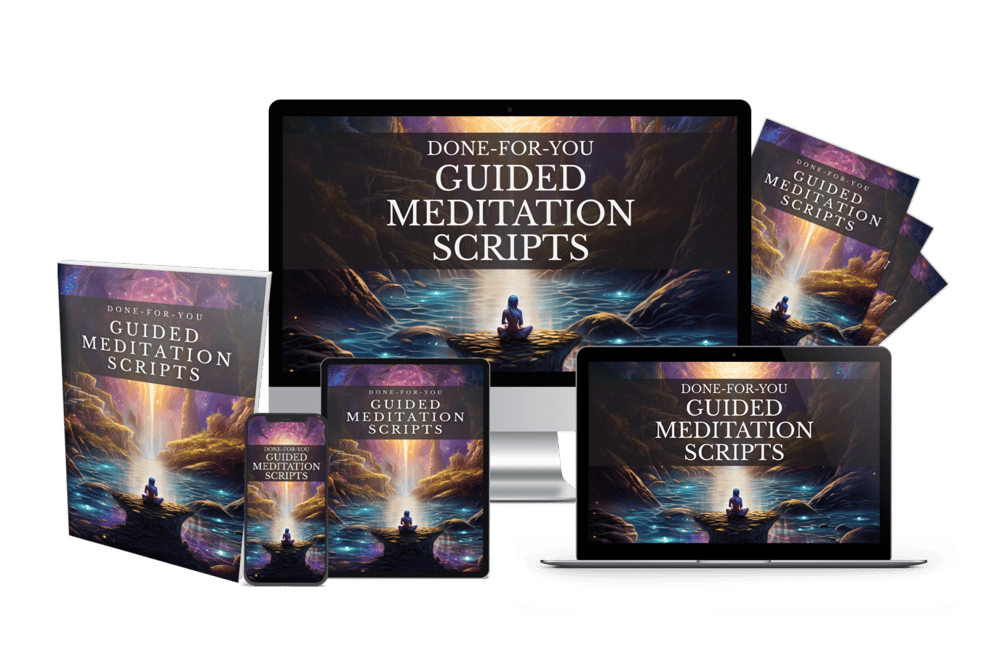
Thanks for reading this article ,If you’re looking for more resources to support your mindfulness practice or enhance your coaching sessions, visit mindfulnesscontent.com. We offer a comprehensive 600+ done-for-you guided meditation script bundle, perfect for professionals who want ready-to-use content to help their clients find peace and clarity. Plus, as a special gift, you can download 10 free guided meditation scripts to get started. Head over to our site to discover more tools and content designed to help you on your journey to mindfulness and wellness.
Looking for a Simple Way to Feel More Calm, Centered, and Inspired?
If you're not using these resources for a coaching practice or business, no worries .The following free resources were created to help you find more peace, healing, and balance, wherever you are in life:
Download The Best Free Meditation App- Manifesty

Access hundreds of powerful guided meditations designed to help you relax, recharge, and manifest the life you desire — anytime, anywhere.
Get Your Free Free Aroma Therapy Starter Kit

Get a free Aromatherapy Guide, Essential Oil Planner, 100+ Recipes, DIY Projects, 25% off our favorite bundle and Everything you need to begin your wellness journey!

About the Author - Nick Tsai
Nick Tsai is a Life Coach, Certified Meditation Coach, and NLP Practitioner. He created MindfulnessContent.com to help coaches grow their practice and make mindfulness more accessible through done-for-you scripts and resources. His mission is to empower both professionals and individuals on their journey to greater clarity, calm, and impact.
Want To Grow Your Mediation Practice?
Click the button below and to receive the Meditation Mastery Kit absolutely free. Gain access to a treasure trove of free guided meditation scripts, tracks, and social media post templates
Resources
Want To Grow Your Mediation Practice?
Get Our Meditation Mastery Kit For Free
Click the button below and to receive the Meditation Mastery Kit absolutely free. Gain access to a treasure trove of free guided meditation scripts, tracks, and social media post templates