Are You a Mindfulness Professional or Coach Looking to Grow Your Practice?
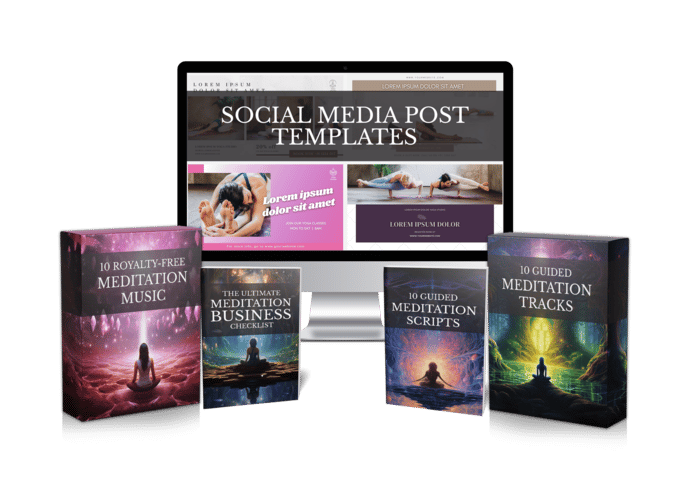
Share your best email address to receive the Meditation Mastery Kit — absolutely free. Inside, you’ll get done-for-you guided meditation scripts, royalty-free meditation tracks, and social media post templates to help you better serve your clients and expand your reach.

How to Make Kids Bedtime Meditation Audio: A Simple Script-to-Track Guide for Teachers and Parents
Thursday, November 26, 2026
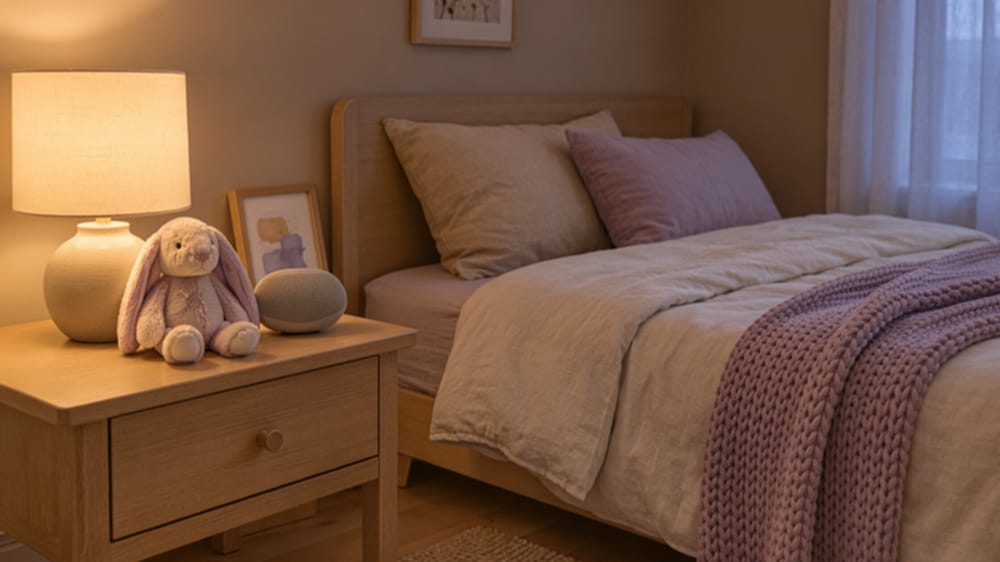
If you’ve ever tried to record a bedtime meditation for children after a long day, you know how it goes. The house is finally quiet, you press record, and then the dog barks, you stumble over a line, and the take is gone. This guide shows you how to make kids bedtime meditation audio without a studio, a perfect voice, or a free evening.
It’s for the people who make calm content for little ones: kindergarten and primary teachers, kids yoga teachers, family coaches, and creators who run bedtime channels. You’ll go from a short script to a finished track with a soft voice and gentle music, ready to play at lights-out or share with families.
Why bedtime audio for kids is harder than it looks
Imagine a kindergarten teacher, let’s call her Maya. Her class loves the short wind-down she reads before nap time, and parents keep asking if they can have it for home. So one Sunday night she sits at the kitchen table with her phone and tries to record it.
Forty minutes later she has six takes. One has the fridge humming. One has her laughing at her own mistake. The best one ends with a car alarm outside. She still has to find music she’s allowed to use, line it up under her voice, and export something that plays on any phone.
None of this means Maya is bad at it. Recording at home is just hard. Children’s audio raises the bar too, because kids notice everything: a rushed pause, a sudden loud word, a jumpy music change. The answer isn’t trying harder in a noisy kitchen. It’s splitting the job into simple parts and letting a tool handle the heavy lifting.
Write a script made for small ears
Everything starts on the page. A bedtime meditation for a six-year-old is not a shorter version of an adult one. It needs simpler words, a friendly image to hold on to, and plenty of room to breathe. If you’d like a starting point, browse these guided meditation scripts and adapt one for a younger listener.
- Keep it short — five to ten minutes suits most younger children better than a long session.
- Use one simple story world — a sleepy cloud, a quiet forest or a boat drifting on a lake is plenty.
- Say what to do with the body — “let your toes get heavy” works better than abstract ideas.
- Repeat a gentle phrase — a line like “soft and slow” gives children something familiar to return to.
- Write the pauses in — mark where you want a few seconds of quiet so the pacing stays calm.
- End softly — no big finale, just a quiet goodnight that lets them drift off.
How to make kids bedtime meditation audio, step by step
Once the script feels right, the production part can be quick. Here’s a simple workflow that skips the re-takes and the editing timeline.
Step 1: Read the script out loud once.
Before you make any audio, read it at the speed you’d use at bedtime. Cut any sentence that trips you up or feels too long. If it’s hard to say, it’ll be hard to hear.
Step 2: Turn the script into narration.
Paste your text into Mindful Render, an AI tool that creates guided meditation, affirmation and prayer audio and video from text in minutes. Choose one of its natural AI voices, or use voice cloning so the track is narrated in your own voice. That way your students or your own children hear someone they know.
Step 3: Add gentle background music, or none.
Pick a soft background track that sits quietly under the voice. Some kids settle better with no music at all, so it’s worth trying a narration-only version too.
Step 4: Make a video version if you share online.
If the meditation is going to YouTube or a class page, Mindful Render can pair the narration with calm background visuals, so you get a finished video and not just an audio file.
Step 5: Listen like a child would.
Play it back at low volume, lights dimmed, the way it will actually be heard. Watch for any word that comes out sharp or a pause that feels too short, then adjust the script and generate it again.
Step 6: Save it and build a small library.
Name each track clearly, like “Sleepy Cloud, 7 minutes”. Once you have three or four, you can rotate them through the week so bedtime stays familiar without getting stale.
A quick checklist before you share it
Before you send the track to families or post it, run through these points. They take two minutes and save a lot of awkward follow-up emails.
- Volume is steady — no line is much louder than the rest, and the music never rises over the voice.
- The ending is quiet — the track fades out instead of stopping abruptly.
- You own what you share — use music and visuals you have clear rights to, and keep a note of where they came from.
- The file plays everywhere — test it on a phone, a tablet and a laptop speaker.
- Parents know what it is — add a short note on the length and the best time to play it.
If you publish on YouTube, there’s one more step. YouTube asks every creator to set whether a channel or video is made for kids, and a bedtime meditation for children usually falls on that side. Check YouTube’s own help page on setting your audience before you upload, so you get it right the first time.
Licensing is the part that worries creators most, so it helps that Mindful Render gives you full commercial rights to what you create, with attribution optional. You can share the track with a paying class, put it in a course, or post it on your channel without hunting down permissions for each piece.
What changes when bedtime audio is easy to make
Think back to Maya. With a workflow like this, her Sunday night looks different. She edits her script over a cup of tea, turns it into narration in her own cloned voice, adds soft music, and has a finished track before the kettle cools.
The bigger change is what comes next. Because one track no longer eats a whole evening, she can make a small set: a sleepy cloud for Mondays, a quiet forest for Wednesdays, a boat on the lake for Fridays. Families get something consistent for home, and she gets her evenings back.
That’s the real point of making kids bedtime meditation audio this way. Your energy goes into the words and the warmth, which is the part only you can give, and the tool takes care of the recording and the mixing.
Start with one track tonight
You don’t need a whole series to begin. Pick one short script, keep the story world simple, and make a single track you’d be happy to play at lights-out. Once it’s done, the next one comes together faster.
You can try Mindful Render free and turn your first kids bedtime meditation script into calm, finished audio tonight.
Want to Turn This Script Into a Professional Meditation Audio or Video in Just Few Clicks?

Meet Mindful Render, the ultimate A.I. tool for wellness creators. Skip the expensive microphones and editing software—our platform lets you generate studio-quality, ready-to-publish meditation videos or tracks from any text with in minutes. Just paste your script and let Mindful Render bring it to life.
Looking for More Resources to Grow Your Mindfulness Practice or Support Your Clients?
Thanks for reading this article ,If you’re looking for more resources to support your mindfulness practice or enhance your coaching sessions, visit mindfulnesscontent.com. We offer a comprehensive 600+ done-for-you guided meditation script bundle, perfect for professionals who want ready-to-use content to help their clients find peace and clarity. Plus, as a special gift, you can download 10 free guided meditation scripts to get started. Head over to our site to discover more tools and content designed to help you on your journey to mindfulness and wellness.
Looking for a Simple Way to Feel More Calm, Centered, and Inspired?
If you're not using these resources for a coaching practice or business, no worries .The following free resources were created to help you find more peace, healing, and balance, wherever you are in life:
Download The Best Free Meditation App- Manifesty

Access hundreds of powerful guided meditations designed to help you relax, recharge, and manifest the life you desire — anytime, anywhere.
Get Your Free Free Aroma Therapy Starter Kit

Get a free Aromatherapy Guide, Essential Oil Planner, 100+ Recipes, DIY Projects, 25% off our favorite bundle and Everything you need to begin your wellness journey!

About the Author - Nick Tsai
Nick Tsai is a Life Coach, Certified Meditation Coach, and NLP Practitioner. He created MindfulnessContent.com to help coaches grow their practice and make mindfulness more accessible through done-for-you scripts and resources. His mission is to empower both professionals and individuals on their journey to greater clarity, calm, and impact.
Want To Grow Your Mediation Practice?
Click the button below and to receive the Meditation Mastery Kit absolutely free. Gain access to a treasure trove of free guided meditation scripts, tracks, and social media post templates
Resources
Want To Grow Your Mediation Practice?
Get Our Meditation Mastery Kit For Free
Click the button below and to receive the Meditation Mastery Kit absolutely free. Gain access to a treasure trove of free guided meditation scripts, tracks, and social media post templates