Are You a Mindfulness Professional or Coach Looking to Grow Your Practice?
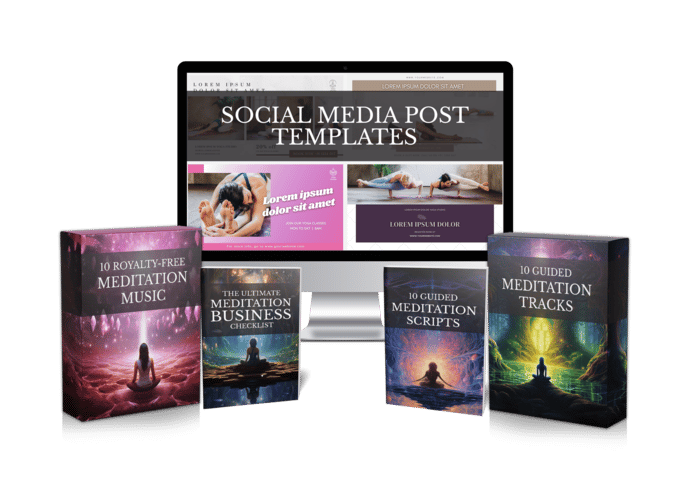
Share your best email address to receive the Meditation Mastery Kit — absolutely free. Inside, you’ll get done-for-you guided meditation scripts, royalty-free meditation tracks, and social media post templates to help you better serve your clients and expand your reach.

How to Make Hypnosis Audio Recordings Without a Studio: A Simple 5-Step Workflow for Hypnotherapists and Coaches
Tuesday, November 10, 2026

You know exactly what your clients need. You’ve guided them through a calm induction in session, watched their shoulders drop and their breathing slow. Then they ask the question every hypnotherapist and coach hears sooner or later: “Can I have a recording of that?” If you’ve been wondering how to make hypnosis audio recordings that sound as calm and steady as you do in the room, this guide walks you through it.
Most people stall at the same place. Not the script, not the idea, but the recording itself. So let’s look at why it feels hard, what changes the picture, and a simple workflow you can follow this week.
Why Making Hypnosis Audio Feels So Hard
Take a typical practitioner, let’s call her Dana. She runs a small hypnotherapy and coaching practice, and she has a dozen scripts she uses every week. She decides to turn three of them into hypnosis audio files for clients to play at home.
The first evening, the neighbor’s dog barks halfway through the induction. The second evening, her voice sounds tight and rushed on playback, nothing like the slow, warm voice she uses in session. By the third evening she has a 40-minute file full of re-takes, mouth clicks and a laptop fan humming underneath every word.
Then comes editing. Cutting out mistakes, lining up a soft music bed, keeping the volume even, and making sure the music is something she’s actually allowed to share with paying clients. Dana is a skilled hypnotist, not a sound engineer. After two weekends, she still has nothing finished.
If that sounds familiar, you’re not doing anything wrong. Recording at home is hard, and editing audio is a separate craft entirely.

The Turning Point: Separate the Words From the Recording
Here’s the shift that makes everything easier. The part of a hypnosis recording only you can do is the words: the induction, the deepener, the suggestions and the gentle return. The voice, the music and the final file are production work, and production work can be handled for you.
That’s where Mindful Render fits in. It’s an AI tool that turns your written script into finished meditation-style audio or video in minutes, with natural AI voices, background music, and visuals if you want a video version. If you’d rather your clients hear you, you can clone your own voice and narrate in it, without sitting in front of a microphone for every take.
You keep full control of the content. The tool simply takes over the recording and editing part that eats your weekends.
How to Make Hypnosis Audio Recordings in 5 Steps
Whether you record yourself or use an AI voice, this is the workflow that keeps things calm and repeatable.
Step 1: Write the script in clear sections.
Most hypnosis sessions follow a familiar shape: a settling introduction, an induction, a deepener, the core suggestions, and an emergence that brings the listener gently back. Write each part as its own block so you can see the pacing at a glance. If you need a starting point, our guided meditation scripts follow the same calm structure and can be adapted.
Step 2: Mark the pauses and the pace.
Hypnosis audio lives in its silences. Add clear pause markers after key lines, especially in the induction and deepener, and keep sentences short so they can be spoken slowly. Reading the script aloud once before you produce it will show you where it rushes.
Step 3: Choose the voice.
You have two good options. You can pick a calm, natural AI voice, or clone your own voice so the recording sounds like the person your clients already trust. Either way, listen to a short sample first and choose the voice that sounds slow and warm, not bright and announcer-like.
Step 4: Add music, or choose silence.
Some listeners love a soft music bed under hypnosis audio; others find it distracting. Decide based on your audience. In Mindful Render you can add background music or produce narration with no music at all, and you get full commercial rights to what you create, so you don’t have to worry about the licence on a track you found online.
Step 5: Render, listen and share.
Generate the finished audio or video, then listen to the whole thing once from start to finish with headphones, the way your client will. Check the emergence in particular: it should feel unhurried and clear. Then share the file with clients, add it to a program, or offer it alongside your sessions.
A quick note on format. Some clients prefer a plain audio file they can play in bed, especially for hypnosis audio for sleep, while others like a gentle video with calm visuals they can watch on a tablet or a channel. Because the script is the same either way, it’s worth producing both from one session of work and letting each listener choose.

What to Check Before You Share a Hypnosis Audio File
A recording goes out into the world without you there to guide it, so a final check matters. Run through this short list before you send anything.
- Clear opening — tell listeners what the session is for and how long it lasts.
- Safe listening note — remind people to listen only when they can safely relax, never while driving or operating anything.
- Gentle emergence — count the listener back up slowly and finish with a clear, alert close.
- Even volume — no sudden jumps between the voice and the music.
- Your own words — every suggestion should be something you’d say in session.
- Honest framing — describe the recording as relaxation support, not a promise of results.
These small checks make your self hypnosis audio and client recordings feel professional, and they protect the trust you’ve built in the room.
From One Recording to a Full Hypnosis Audio Library
Back to our example. Imagine Dana trying the new approach. She spends one evening tidying three scripts she already uses, marks the pauses, and produces each track with her cloned voice and a quiet music bed. The production part takes minutes instead of weekends, and she spends her energy where it counts: on the words.
Once the first few are done, the next ones get easier. A sleep-focused session, a confidence session, a short pre-session relaxer. Because the script is the only part that takes real effort, building a small library of hypnosis audio becomes realistic for a busy practice, and the same scripts can become calm videos too.

If recording has been the thing standing between your scripts and your clients’ ears, you don’t have to wait for a quiet house or a studio. You can try Mindful Render free and turn your next hypnosis script into a finished recording today.
Want to Turn This Script Into a Professional Meditation Audio or Video in Just Few Clicks?

Meet Mindful Render, the ultimate A.I. tool for wellness creators. Skip the expensive microphones and editing software—our platform lets you generate studio-quality, ready-to-publish meditation videos or tracks from any text with in minutes. Just paste your script and let Mindful Render bring it to life.
Looking for More Resources to Grow Your Mindfulness Practice or Support Your Clients?
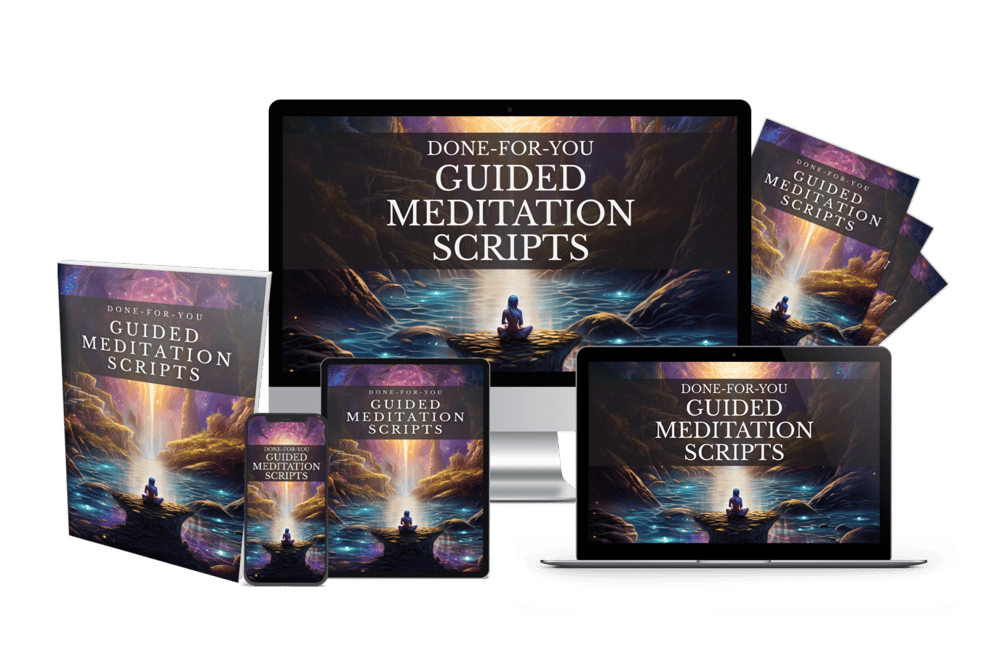
Thanks for reading this article ,If you’re looking for more resources to support your mindfulness practice or enhance your coaching sessions, visit mindfulnesscontent.com. We offer a comprehensive 600+ done-for-you guided meditation script bundle, perfect for professionals who want ready-to-use content to help their clients find peace and clarity. Plus, as a special gift, you can download 10 free guided meditation scripts to get started. Head over to our site to discover more tools and content designed to help you on your journey to mindfulness and wellness.
Looking for a Simple Way to Feel More Calm, Centered, and Inspired?
If you're not using these resources for a coaching practice or business, no worries .The following free resources were created to help you find more peace, healing, and balance, wherever you are in life:
Download The Best Free Meditation App- Manifesty

Access hundreds of powerful guided meditations designed to help you relax, recharge, and manifest the life you desire — anytime, anywhere.
Get Your Free Free Aroma Therapy Starter Kit

Get a free Aromatherapy Guide, Essential Oil Planner, 100+ Recipes, DIY Projects, 25% off our favorite bundle and Everything you need to begin your wellness journey!

About the Author - Nick Tsai
Nick Tsai is a Life Coach, Certified Meditation Coach, and NLP Practitioner. He created MindfulnessContent.com to help coaches grow their practice and make mindfulness more accessible through done-for-you scripts and resources. His mission is to empower both professionals and individuals on their journey to greater clarity, calm, and impact.
Want To Grow Your Mediation Practice?
Click the button below and to receive the Meditation Mastery Kit absolutely free. Gain access to a treasure trove of free guided meditation scripts, tracks, and social media post templates
Resources
Want To Grow Your Mediation Practice?
Get Our Meditation Mastery Kit For Free
Click the button below and to receive the Meditation Mastery Kit absolutely free. Gain access to a treasure trove of free guided meditation scripts, tracks, and social media post templates