Are You a Mindfulness Professional or Coach Looking to Grow Your Practice?
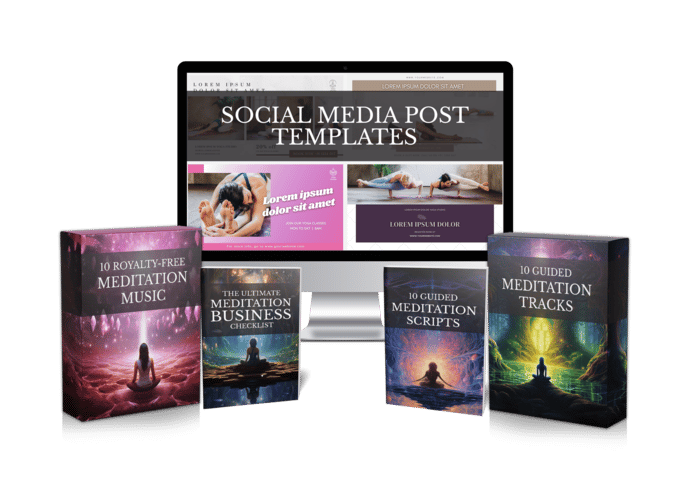
Share your best email address to receive the Meditation Mastery Kit — absolutely free. Inside, you’ll get done-for-you guided meditation scripts, royalty-free meditation tracks, and social media post templates to help you better serve your clients and expand your reach.

How to Make Guided Meditation Audio Without a Microphone: A Calm 6-Step Guide
Saturday, October 17, 2026
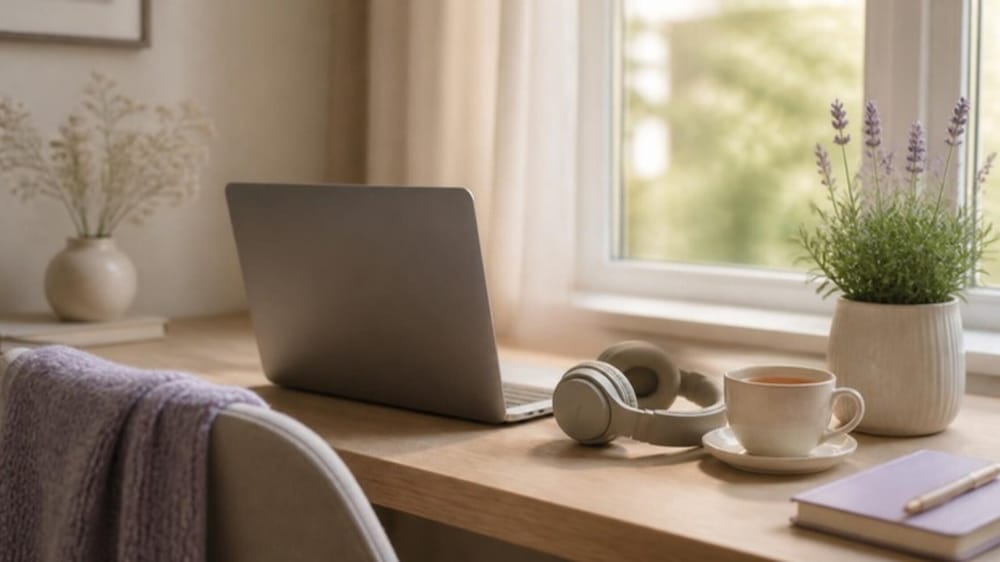
You have a meditation script you love. You can hear exactly how it should sound: slow, warm, with long gentle pauses. The only thing standing between you and a finished track is the part most creators dread, sitting in front of a microphone. The good news is that you can now learn how to make guided meditation audio without a microphone, and the result can still feel calm, personal and professional.
This guide walks you through the whole process, from writing a script that sounds good out loud to exporting a finished track you can share, sell or upload. No studio, no soundproofing blankets, no fifteenth re-take.
Why Recording Meditation Audio at Home Feels So Hard
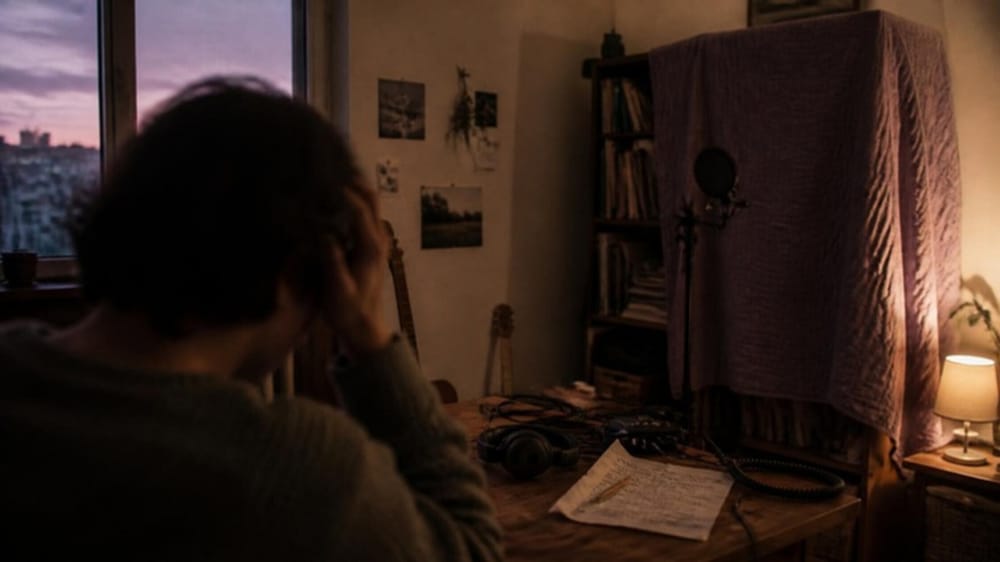
Imagine a yoga teacher, let’s call her Maya, who wants to send her students a ten-minute body scan each week. She clears a corner of her bedroom, hangs a blanket over the bookshelf and hits record. Then the neighbor’s dog barks. Then a truck rumbles past. Then she stumbles on a word and starts again.
By the time she has one clean take, it is late, her voice sounds tense, and she still has to edit out breaths, add music and balance the volume. The meditation itself took ten minutes. Producing it took the whole evening.
If that sounds familiar, you are not doing anything wrong. Home recording simply asks for a lot at once:
- A quiet room — which is hard to find when you share walls, roads or a household.
- A relaxed voice — nerves and fatigue show up instantly in slow, soft narration.
- Editing skills — cutting mistakes, removing noise and pacing pauses takes practice.
- Music you are allowed to use — especially if you plan to sell or monetize the track.
- Time — and most wellness creators already have very little of it.
Guided Meditation Audio Without a Microphone: What It Means Today
Making meditation audio without a microphone used to mean hiring a voice actor. Today it usually means using AI narration: you give a tool your written script, choose a calm voice, and it produces the spoken track for you.
There are two main routes. The first is a natural-sounding AI voice, which is ideal if you run a faceless channel or simply prefer not to be heard. The second is voice cloning, which lets you narrate in your own voice so your students or clients still hear someone familiar, without you having to perform every session live.
This is the problem Mindful Render was built to solve. It turns text into finished guided meditation, affirmation and prayer audio and video in minutes, with natural AI voices, voice cloning if you want to sound like yourself, and background music already in place. You keep full commercial rights to what you create, so the track is yours to sell or share.
Step 1–2: Write a Script Made for the Ear
AI narration is only as calming as the words you give it. A script that reads well on paper can sound rushed or stiff when spoken, so this stage matters more than any setting you pick later.
Step 1: Start with a clear intention and length.
Decide who the meditation is for and what it should do: help someone fall asleep, ease a busy mind before work, or ground them after a hard day. Then choose a length. A short, focused piece is easier to get right than a long, wandering one.
Step 2: Write short sentences and plan your pauses.
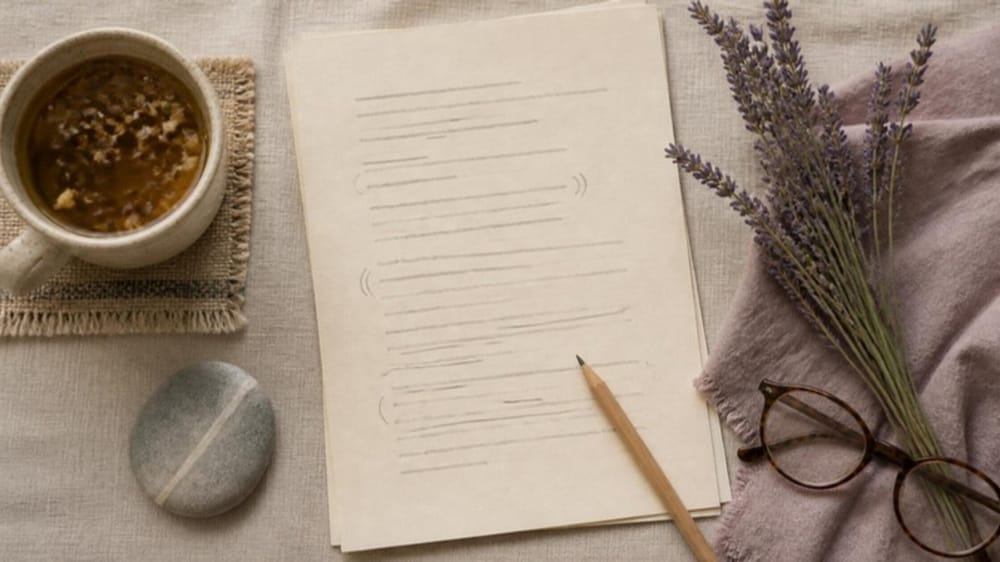
Use simple words and one idea per sentence. Read the script out loud quietly to yourself, and mark the spots where a listener needs a moment to breathe, settle or visualize. If you would rather not start from a blank page, you can use an AI scriptwriter or browse ready-made guided meditation scripts and adapt one to your own style.
Step 3–6: Turn Your Script into Finished Audio
Once the words are ready, the production side becomes surprisingly quick. Here is the flow that replaces the record, re-take and edit cycle.
Step 3: Choose a voice that matches the moment.
A sleep meditation usually wants a soft, low, unhurried voice. A morning practice can be a little brighter. Listen to a few options with your actual script rather than a sample sentence, because pacing and tone show up best in real material.
Step 4: Decide between an AI voice and your own cloned voice.
If your audience already knows you, such as yoga students, coaching clients or course members, a cloned version of your voice keeps the connection personal. If you run a faceless channel, a natural AI voice keeps the focus on the practice itself.
Step 5: Add background music, or choose silence.
Gentle music can soften transitions and cover the gaps between phrases. Some listeners, though, prefer narration only, especially for focused breathwork or therapy-style relaxation. Choose a tool that offers both options, and check that the music comes with commercial rights so you do not have to hunt for a separate license later.
Step 6: Listen through once, then export.
Play the whole track with headphones, the way your listener will. Check that pauses feel spacious and that nothing sounds rushed. If a line feels off, edit the text and regenerate it, which takes far less effort than re-recording a whole session.
A Quick Quality Checklist Before You Publish
Before your track goes out to students, clients or subscribers, run through this short list. It catches most of the small issues that make AI narration feel less natural.
- Pacing — the voice never feels hurried, and longer pauses land where you planned them.
- Pronunciation — names, Sanskrit terms and unusual words sound right.
- Music balance — the background never competes with the narration.
- Opening and closing — the first seconds invite the listener in and the ending gently brings them back.
- Rights — you know you are allowed to use every part of the track for your purpose.
If you plan to publish on a platform such as YouTube or sell your recordings, also take a moment to read that platform’s current guidelines for AI-assisted content, since policies can change over time.
What Changes When the Microphone Is Out of the Way
Go back to Maya for a moment. Instead of spending her evening fighting background noise, she writes her body scan over a cup of tea, pastes it into Mindful Render, chooses her cloned voice and a soft music bed, and listens back before dinner.
The difference is not just saved hours. It is consistency. When producing a meditation no longer depends on a quiet house and a good voice day, sharing one every week, or even every day, starts to feel realistic. Your energy goes back into what matters most: the words, the intention and the people listening.
Your Next Calm Step
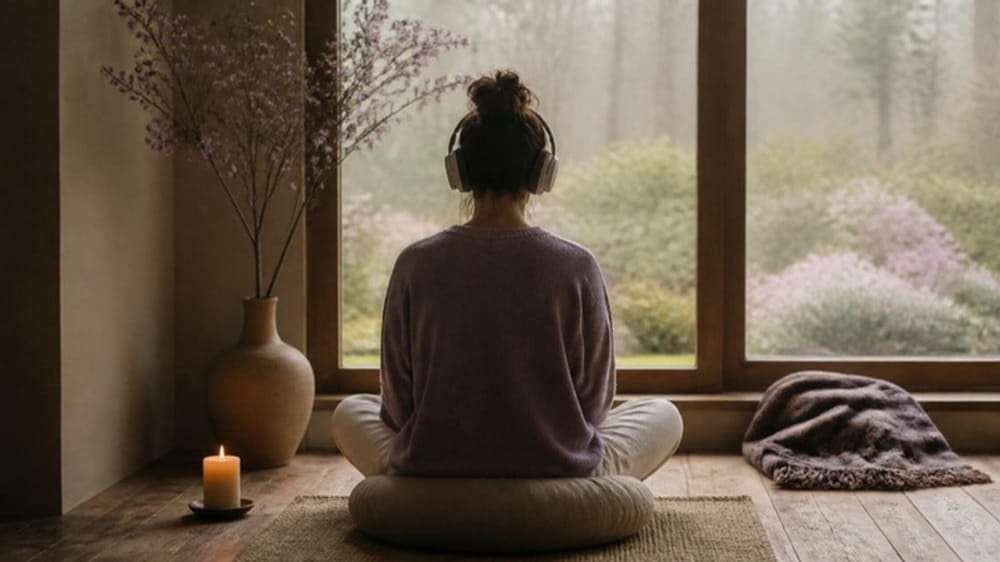
You do not need a studio to create guided meditation audio people love. You need a thoughtful script, a voice that fits, and a simple way to bring them together. You can try Mindful Render free and turn your next script into a finished, calming track today, no microphone required.
Want to Turn This Script Into a Professional Meditation Audio or Video in Just Few Clicks?

Meet Mindful Render, the ultimate A.I. tool for wellness creators. Skip the expensive microphones and editing software—our platform lets you generate studio-quality, ready-to-publish meditation videos or tracks from any text with in minutes. Just paste your script and let Mindful Render bring it to life.
Looking for More Resources to Grow Your Mindfulness Practice or Support Your Clients?
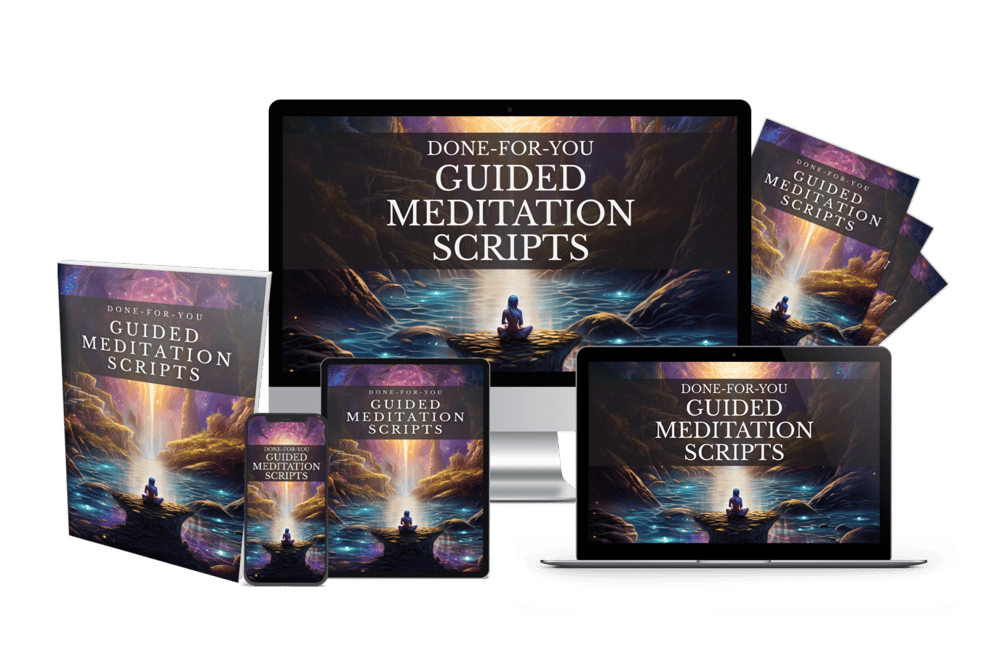
Thanks for reading this article ,If you’re looking for more resources to support your mindfulness practice or enhance your coaching sessions, visit mindfulnesscontent.com. We offer a comprehensive 600+ done-for-you guided meditation script bundle, perfect for professionals who want ready-to-use content to help their clients find peace and clarity. Plus, as a special gift, you can download 10 free guided meditation scripts to get started. Head over to our site to discover more tools and content designed to help you on your journey to mindfulness and wellness.
Looking for a Simple Way to Feel More Calm, Centered, and Inspired?
If you're not using these resources for a coaching practice or business, no worries .The following free resources were created to help you find more peace, healing, and balance, wherever you are in life:
Download The Best Free Meditation App- Manifesty

Access hundreds of powerful guided meditations designed to help you relax, recharge, and manifest the life you desire — anytime, anywhere.
Get Your Free Free Aroma Therapy Starter Kit

Get a free Aromatherapy Guide, Essential Oil Planner, 100+ Recipes, DIY Projects, 25% off our favorite bundle and Everything you need to begin your wellness journey!

About the Author - Nick Tsai
Nick Tsai is a Life Coach, Certified Meditation Coach, and NLP Practitioner. He created MindfulnessContent.com to help coaches grow their practice and make mindfulness more accessible through done-for-you scripts and resources. His mission is to empower both professionals and individuals on their journey to greater clarity, calm, and impact.
Want To Grow Your Mediation Practice?
Click the button below and to receive the Meditation Mastery Kit absolutely free. Gain access to a treasure trove of free guided meditation scripts, tracks, and social media post templates
Resources
Want To Grow Your Mediation Practice?
Get Our Meditation Mastery Kit For Free
Click the button below and to receive the Meditation Mastery Kit absolutely free. Gain access to a treasure trove of free guided meditation scripts, tracks, and social media post templates