Are You a Mindfulness Professional or Coach Looking to Grow Your Practice?
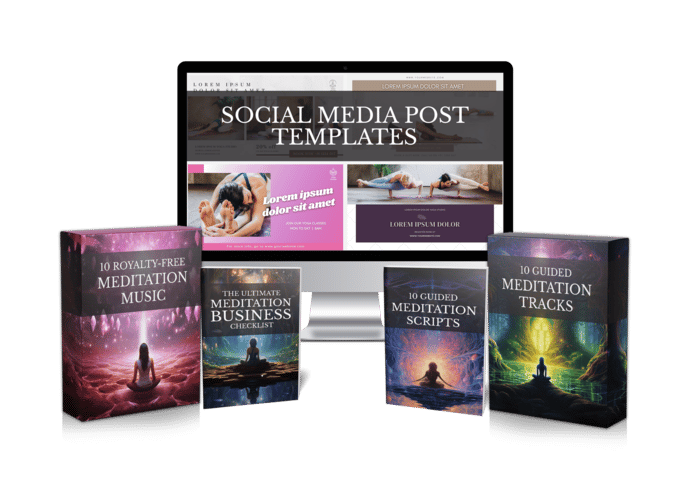
Share your best email address to receive the Meditation Mastery Kit — absolutely free. Inside, you’ll get done-for-you guided meditation scripts, royalty-free meditation tracks, and social media post templates to help you better serve your clients and expand your reach.

How to Make Guided Imagery Audio: 6 Calm Steps From Scene to Finished Track
Wednesday, November 18, 2026
You can see the whole scene in your head. A quiet beach at dusk, warm sand under bare feet, the hush of waves rolling in and pulling back. Writing it down was the easy part. Learning how to make guided imagery audio that carries a listener into that scene is where most teachers and coaches get stuck.
This guide walks through the whole process in six steps, from the first sketch of a scene to a finished track you can send to clients, sell, or upload. No studio, no audio engineering degree, and no week of re-takes.
Why guided imagery audio is harder than it looks
Take a typical creator, let’s call her Maya. She’s a yoga teacher who runs a small online membership, and her students keep asking for something to listen to at night. She writes a lovely forest visualization in an afternoon. Then she tries to record it.
The neighbor’s dog barks halfway through. Her voice tightens on the third take. When she finally gets a clean pass, she spends an evening trying to line up soft music under her pauses, and the result still feels rushed. One fifteen-minute track has eaten three days.
Maya isn’t doing anything wrong. Guided imagery simply asks for more than ordinary narration does: a slow, steady voice, long pauses that don’t sound like dead air, and a sound bed that supports the scene instead of fighting it. The good news is that each of those pieces can be planned, and some of them can be handed off.

Step 1 and 2: Plan the journey, then write for the ear
Step 1: Choose one scene and one purpose.
A guided imagery recording works best when it goes to one place and does one thing. A safe place for winding down, a mountain walk for clarity, a garden for gratitude. Decide where the listener is going and how you want them to feel when the track ends, before you write a single line.
Step 2: Write the script for listening, not reading.
Short sentences. Present tense. Plenty of sensory detail, since imagery comes alive through sound, smell, texture and temperature as much as sight. Build in a gentle arrival (settling the breath and body), the journey itself, and a slow return to the room.
If you’d rather start from something already shaped, you can browse our guided meditation scripts and adapt one to your own voice. You can also have Mindful Render draft a script for you with its AI scriptwriter, then edit it until it sounds like the way you actually teach.
Before you move on, read the script out loud once and mark it up:
- Pauses — note where the listener needs a few seconds to picture something.
- Longer silences — plan a stretch of quiet in the middle of the scene so the image can settle.
- Tongue-twisters — swap any phrase you trip over for something smoother.
- The return — make the last minute slow, with clear cues to come back to the body and the room.
Step 3: Decide whose voice the listener will hear
Step 3: Pick the narration route that fits your week.
There are three honest options. You can record yourself, which gives a personal feel but needs a quiet room and patience. You can hire a voice actor, which sounds polished but costs money and adds waiting time. Or you can use an AI voice, which turns your text into narration in minutes.
For many creators the last option is the turning point. In Mindful Render you paste your script, choose a natural AI voice, and get calm narration without touching a microphone. If your students already know your voice, voice cloning lets the track be narrated in your own voice, so the recording still feels like you.
Whichever route you choose, listen for three things on playback: a slow, even pace, warmth rather than brightness, and pauses that feel intentional.
Step 4 and 5: Add a sound bed and the right visuals
Step 4: Keep the background quiet and safe to use.
Music for guided imagery should sit underneath the voice: soft, slow, without a strong melody that pulls attention away from the scene. Some listeners prefer no music at all, so it’s worth offering a voice-only version too.
Licensing matters here. A track you found on a random upload might not be cleared for a paid course or a monetized channel. Using music that comes with clear permission for commercial use saves you from a takedown later.
Step 5: Turn the audio into a video if you publish on YouTube or social.
An audio file is perfect for a membership or a client email. For YouTube, Instagram or TikTok, you’ll want a calm background visual that matches the scene: a misty lake for a water journey, a forest path for a woodland walk.
Mindful Render handles both of these in one place. It adds background music, or leaves it out if you want narration only, and can pair the voice with custom background visuals, so you finish with a guided imagery audio file or a full video from the same script.
Step 6: Review, share, and build a small library
Step 6: Listen the way your audience will.
Play the finished track lying down, eyes closed, with headphones on. Does any pause feel too short to picture the scene? Does the music swell over a key line? Does the ending give enough time to come back gently? Fix what bothers you, then publish.
A few habits make the next track faster:
- Keep a scene list — beach, forest, mountain, garden, river, starry sky, and add to it whenever a student asks for something.
- Reuse your structure — the same arrival and return can frame many different journeys.
- Offer two lengths — a short version for busy days and a longer one for deep rest.
- Save your settings — once you find a voice and music style your listeners like, stick with it for consistency.
Back to Maya for a moment. With a planned script, an AI voice in her own cloned voice, and background music she can use commercially, that forest visualization goes from a three-day project to something she can finish in an evening. Next week she makes the beach one. A month later her members have a small library to choose from at bedtime.
How to make guided imagery audio this week: your first track
Making guided imagery audio comes down to a clear scene, a script written for the ear, a calm voice, and a quiet sound bed you’re allowed to use. You don’t need a studio for any of it. Pick one scene today, write a rough draft, and let the tools carry the technical parts.
You can try Mindful Render free and turn your first guided imagery script into a finished track, with full commercial rights to what you create.
Want to Turn This Script Into a Professional Meditation Audio or Video in Just Few Clicks?

Meet Mindful Render, the ultimate A.I. tool for wellness creators. Skip the expensive microphones and editing software—our platform lets you generate studio-quality, ready-to-publish meditation videos or tracks from any text with in minutes. Just paste your script and let Mindful Render bring it to life.
Looking for More Resources to Grow Your Mindfulness Practice or Support Your Clients?
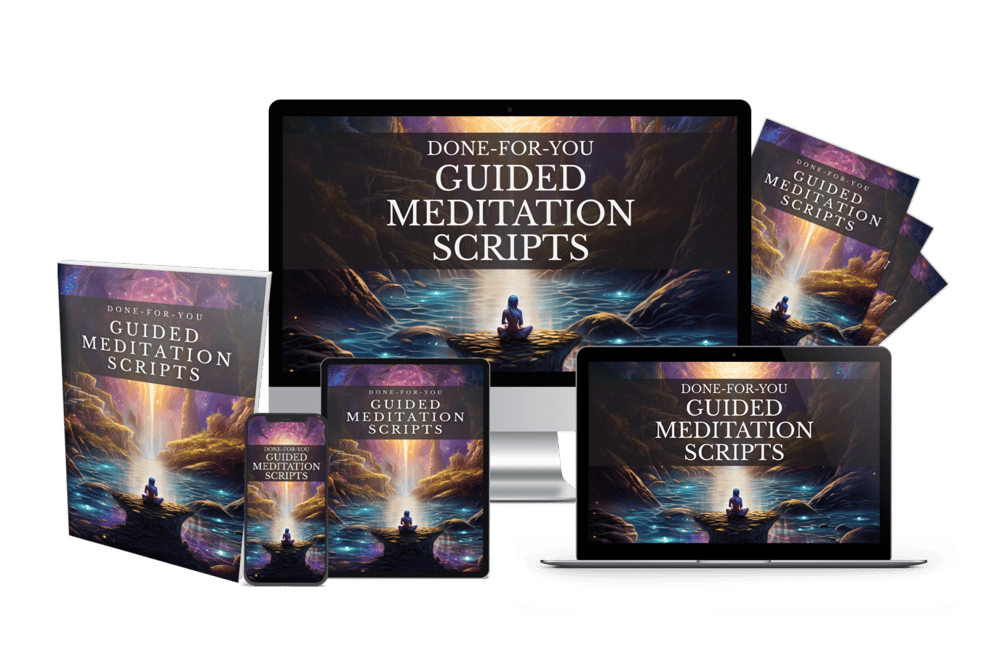
Thanks for reading this article ,If you’re looking for more resources to support your mindfulness practice or enhance your coaching sessions, visit mindfulnesscontent.com. We offer a comprehensive 600+ done-for-you guided meditation script bundle, perfect for professionals who want ready-to-use content to help their clients find peace and clarity. Plus, as a special gift, you can download 10 free guided meditation scripts to get started. Head over to our site to discover more tools and content designed to help you on your journey to mindfulness and wellness.
Looking for a Simple Way to Feel More Calm, Centered, and Inspired?
If you're not using these resources for a coaching practice or business, no worries .The following free resources were created to help you find more peace, healing, and balance, wherever you are in life:
Download The Best Free Meditation App- Manifesty

Access hundreds of powerful guided meditations designed to help you relax, recharge, and manifest the life you desire — anytime, anywhere.
Get Your Free Free Aroma Therapy Starter Kit

Get a free Aromatherapy Guide, Essential Oil Planner, 100+ Recipes, DIY Projects, 25% off our favorite bundle and Everything you need to begin your wellness journey!

About the Author - Nick Tsai
Nick Tsai is a Life Coach, Certified Meditation Coach, and NLP Practitioner. He created MindfulnessContent.com to help coaches grow their practice and make mindfulness more accessible through done-for-you scripts and resources. His mission is to empower both professionals and individuals on their journey to greater clarity, calm, and impact.
Want To Grow Your Mediation Practice?
Click the button below and to receive the Meditation Mastery Kit absolutely free. Gain access to a treasure trove of free guided meditation scripts, tracks, and social media post templates
Resources
Want To Grow Your Mediation Practice?
Get Our Meditation Mastery Kit For Free
Click the button below and to receive the Meditation Mastery Kit absolutely free. Gain access to a treasure trove of free guided meditation scripts, tracks, and social media post templates