Are You a Mindfulness Professional or Coach Looking to Grow Your Practice?
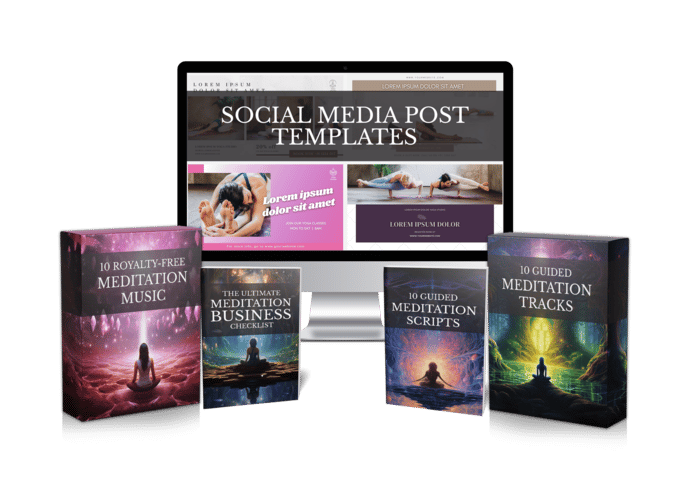
Share your best email address to receive the Meditation Mastery Kit — absolutely free. Inside, you’ll get done-for-you guided meditation scripts, royalty-free meditation tracks, and social media post templates to help you better serve your clients and expand your reach.

How to Make a Bible Prayer Video for YouTube: 6 Gentle Steps From Verse to Upload
Thursday, November 12, 2026
You feel called to share prayer with people who need it. Maybe it’s a morning prayer for a hard week, or a verse that carried you through a rough season. If you’ve been searching for how to make a bible prayer video for YouTube, chances are the hard part isn’t the faith. It’s the recording, the editing and the music.
This guide keeps things simple. You’ll go from a chosen verse to a finished prayer video in six steps, without a studio and without losing your evenings to an editing timeline.
Why Prayer Videos Get Stuck Before They’re Posted
Take a typical creator, let’s call her Ruth. She leads a small prayer group and wants to start a faceless YouTube channel with a short scripture prayer every morning. She writes the first prayer in twenty minutes. Then the trouble starts.
Her kitchen is noisy, so she records in the closet. Her voice shakes on the first take, and the fourth. Once she finally has a clean read, she spends two hours lining it up with piano music she isn’t sure she’s allowed to use. The video goes up a week late, and the second one never gets made.
If that sounds familiar, you’re not short on devotion. The production part just isn’t built for one person with a day job.
The 6 Steps to Make a Bible Prayer Video for YouTube
Step 1: Choose one verse and one need.
Pick a single passage and a single listener need: peace before sleep, strength for a hard day, comfort in grief. One clear focus makes the prayer easier to write and easier to find on YouTube. People rarely search for “a prayer.” They search for a prayer for anxiety, for a sick parent, for a new job. Write for that person, and you’ll know exactly which verse belongs in the video.
Step 2: Check the translation you’re quoting.
Modern translations are copyrighted, and each publisher sets its own rules for quoting them, so read the copyright page of the version you love. The King James Version is in the public domain in the United States, which is why many prayer channels use it, though it is under Crown patent in the UK. If you’re unsure, a quick note to the publisher’s permissions team costs nothing and saves you a takedown later. Whatever you choose, name the translation in your description.
Step 3: Write the prayer the way you speak.
Open with the verse, respond to it in plain words, and close with a short blessing. Read it aloud once and cut any line you trip over. Short sentences work best, because a listener with closed eyes can’t scroll back. Leave space after the verse itself, so it has a moment to land before you start praying over it. Most short prayer videos feel complete at a few hundred words. If you’d like a calm structure to start from, our guided meditation scripts show how to pace a spoken piece with room to breathe.
Step 4: Give it a voice without the closet.
This is where most prayer videos stall. With Mindful Render you can turn the written prayer into narration with a natural AI voice, or clone your own voice so it still sounds like you, without a single re-take. No more waiting for a quiet house or recording the same line again because the dog barked. You stay in charge of the words, and the voice simply carries them.
Step 5: Add gentle music and a peaceful background.
Soft background music and calm visuals carry a prayer video. Mindful Render pairs your narration with background music and custom visuals, or you can choose narration with no music if you prefer silence around the words. You keep full commercial rights to what you create.
Step 6: Write an honest title and upload.
Use the verse reference and the need in your title, for example “Prayer for Peace Before Sleep, Psalm 4:8.” Add the full verse and translation in the description so viewers can find it in their own Bible. A line inviting people to share their prayer requests in the comments turns a single upload into a small community. Pick a steady posting time, like every morning before work, so your viewers know when to come back.
What to Check Before You Hit Publish
A quick review keeps your bible prayer video trustworthy and keeps your channel on solid ground.
- Scripture is quoted correctly — compare every word against the translation you named in the description.
- The translation allows your use — public domain or within the publisher’s quotation rules.
- Music and visuals are cleared — you know where they came from and that you can use them on YouTube.
- The prayer adds something of your own — a personal response to the verse, not just a reading.
- The pacing is slow enough — pauses after the verse give listeners a moment to take it in.
That last point matters for YouTube too. In July 2025, YouTube updated its Partner Program rules and renamed its “repetitious content” policy to “inauthentic content,” aimed at mass-produced, repetitive videos. Prayers written with care, each built around its own verse and need, are a very different thing from copy-paste uploads.
Keeping a Daily Prayer Channel Going
The real test of a prayer channel is week three, not day one. Consistency is easier when each video takes minutes instead of an evening. Most creators don’t quit because they run out of prayers. They quit because each video costs too much energy to make.
Try writing five prayers on a Sunday afternoon around one theme, such as trust or rest. Then produce them back to back. Mindful Render’s AI scriptwriter can even help you draft a first version to edit when the words won’t come, and each finished video is ready to schedule for the week. Keep a simple list of verses you’d like to pray through, and add to it whenever a passage speaks to you. When Sunday comes, you won’t be starting from a blank page.
Imagine Ruth again, a month later. She writes on Sundays, renders on Sunday evening, and spends her mornings praying with her viewers in the comments instead of fighting with audio files. Same calling, far less strain.
Your First Prayer Video This Week
You don’t need a studio, a perfect voice or a music budget to share prayer on YouTube. You need one verse, one honest prayer and a simple way to turn it into a finished video. Start with the passage that has meant the most to you this year. Write the prayer you wish someone had prayed for you, and let the rest of the process stay light.
You can try Mindful Render free and turn your first bible prayer video from a written prayer into something your viewers can press play on today.
Want to Turn This Script Into a Professional Meditation Audio or Video in Just Few Clicks?

Meet Mindful Render, the ultimate A.I. tool for wellness creators. Skip the expensive microphones and editing software—our platform lets you generate studio-quality, ready-to-publish meditation videos or tracks from any text with in minutes. Just paste your script and let Mindful Render bring it to life.
Looking for More Resources to Grow Your Mindfulness Practice or Support Your Clients?
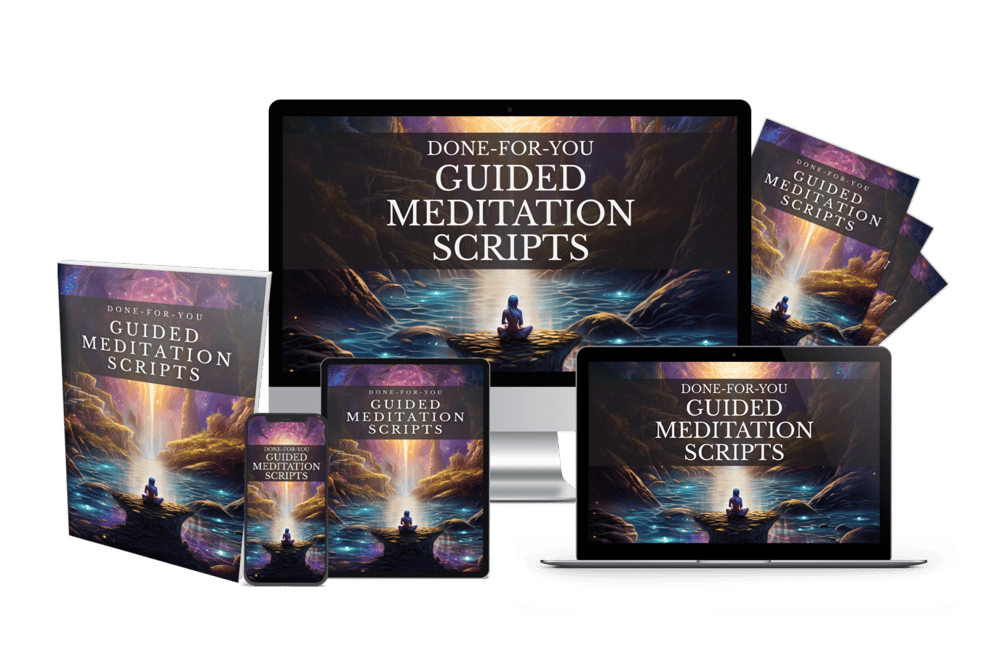
Thanks for reading this article ,If you’re looking for more resources to support your mindfulness practice or enhance your coaching sessions, visit mindfulnesscontent.com. We offer a comprehensive 600+ done-for-you guided meditation script bundle, perfect for professionals who want ready-to-use content to help their clients find peace and clarity. Plus, as a special gift, you can download 10 free guided meditation scripts to get started. Head over to our site to discover more tools and content designed to help you on your journey to mindfulness and wellness.
Looking for a Simple Way to Feel More Calm, Centered, and Inspired?
If you're not using these resources for a coaching practice or business, no worries .The following free resources were created to help you find more peace, healing, and balance, wherever you are in life:
Download The Best Free Meditation App- Manifesty

Access hundreds of powerful guided meditations designed to help you relax, recharge, and manifest the life you desire — anytime, anywhere.
Get Your Free Free Aroma Therapy Starter Kit

Get a free Aromatherapy Guide, Essential Oil Planner, 100+ Recipes, DIY Projects, 25% off our favorite bundle and Everything you need to begin your wellness journey!

About the Author - Nick Tsai
Nick Tsai is a Life Coach, Certified Meditation Coach, and NLP Practitioner. He created MindfulnessContent.com to help coaches grow their practice and make mindfulness more accessible through done-for-you scripts and resources. His mission is to empower both professionals and individuals on their journey to greater clarity, calm, and impact.
Want To Grow Your Mediation Practice?
Click the button below and to receive the Meditation Mastery Kit absolutely free. Gain access to a treasure trove of free guided meditation scripts, tracks, and social media post templates
Resources
Want To Grow Your Mediation Practice?
Get Our Meditation Mastery Kit For Free
Click the button below and to receive the Meditation Mastery Kit absolutely free. Gain access to a treasure trove of free guided meditation scripts, tracks, and social media post templates