Are You a Mindfulness Professional or Coach Looking to Grow Your Practice?
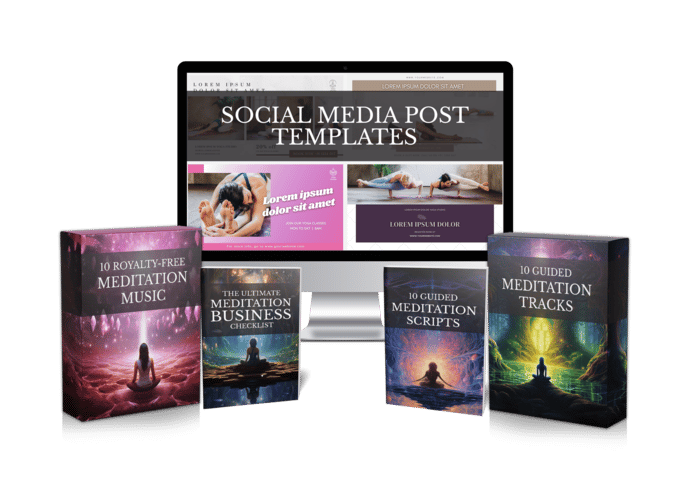
Share your best email address to receive the Meditation Mastery Kit — absolutely free. Inside, you’ll get done-for-you guided meditation scripts, royalty-free meditation tracks, and social media post templates to help you better serve your clients and expand your reach.

How to Create a Meditation Podcast: 6 Calm Steps From First Script to a Weekly Show
Saturday, November 14, 2026
Maybe a student asked whether your meditations are on Spotify. Maybe you just like the thought of your voice keeping someone company on a night walk or a long commute. Either way, learning how to create a meditation podcast is far less technical than it looks. You don’t need a studio, a producer or a perfect voice. You need a clear plan, and a way to turn scripts into finished audio without giving up your weekends.
Below are six calm steps, from picking a format to publishing your first episodes. They’re written for meditation teachers, yoga teachers, coaches, therapists and faceless creators who would rather put their energy into the meditations than into editing software.
Why most meditation podcasts stall after episode three
Starting is the easy bit. Episode one usually gets made on a wave of excitement. Then ordinary life shows up.
Picture a typical yoga teacher, let’s call her Maya. She records her first episode in the spare room on a Sunday afternoon. The neighbor’s dog barks twice. She redoes the opening four times because her voice sounds tight. The rest of the evening goes on trimming breaths, lining up music and trying to work out whether the track she downloaded is even allowed in a podcast.
By episode three, those Sundays feel like homework. By episode five, the feed has gone quiet. Her meditations were fine. The production side was just too heavy to repeat every week.
So that’s the real problem. A meditation podcast lives or dies on consistency, which means the whole workflow has to be light enough to keep going for months.
How to create a meditation podcast: start with a simple plan
Step 1: Pick one clear promise.
People choose a podcast for what it does for them. “Ten minutes to fall asleep.” “A calm start before work.” “A short breathing break for busy parents.” One sentence like that steers every episode and makes your show easy to describe. A meditation podcast for sleep and a morning focus show need very different pacing, music and length, so settle this first.
Step 2: Plan a short first season.
Rather than promising a show that runs forever, plan eight to ten episodes around your theme. Give each one a working title and a single line about what it covers. A season gives you a finish line, and launching with a few episodes ready means a new listener has more than one track to try.
- Length — pick a typical episode length and keep it fairly steady so listeners know what to expect.
- Schedule — weekly is plenty for most solo creators, so choose a day you can actually keep.
- Voice — decide whether you’ll narrate yourself or use a natural AI voice.
- Music — choose soft background music or narration on its own.
- Name and artwork — keep both simple, calm and readable at a small size.
If writing is the part that slows you down, our guided meditation scripts give you ready-to-read starting points you can adapt to your own voice.
Turn scripts into finished episodes without a studio
Step 3: Write for the ear.
A meditation script is heard, not read. Use short sentences, plain words and plenty of marked pauses. Read each draft out loud once. Anything that trips you up will trip up a listener too. And if the blank page wins on a busy week, an AI scriptwriter can hand you a first draft to reshape with your own phrases and teaching style.
A small trick helps: write each pause into the script itself, like “(pause 10 seconds)”, so the timing stays the same every time the episode is produced. Long, unhurried silences are part of what makes a meditation work, and they’re the first thing that gets rushed when someone records nervously.
Step 4: Produce the audio the light way.
This is where most shows stall, and it’s where the right tool saves the most time. With Mindful Render, you paste in a script or generate one, pick a natural AI voice or clone your own so the episode is still narrated by you, then add background music, or leave it out if you prefer plain narration. Minutes later you have a finished meditation track. No microphone setup, no retakes, no nudging music into place by hand.
Rights matter too. Podcast episodes get downloaded, shared and sometimes sold as bonus content, so you need to know you’re allowed to use everything in them. What you create with Mindful Render comes with full commercial rights, and attribution is optional.
Publish your guided meditation podcast and keep a steady rhythm
Step 5: Choose a podcast host and submit your feed.
Podcast apps don’t store your audio themselves. You upload episodes to a podcast hosting service, and it creates an RSS feed for your show. You submit that feed once to directories such as Apple Podcasts and Spotify, and after that new episodes appear there on their own. Most hosts walk you through the submission step by step.
Before you submit, listen to one full episode the way your audience will: on your phone, with earbuds, ideally lying down. If the voice feels too loud next to the music, or a pause feels rushed, fix it now. That’s far easier than fixing ten episodes later.
Step 6: Batch your episodes.
Every few weeks, set aside one quiet block to write and produce several episodes back to back, then schedule them for your release day. Batching is what turns a weekly show from a chore into a habit. When production takes minutes instead of a whole evening, one sitting can cover a month.
- Open the same way each time — a short, familiar welcome helps listeners settle faster.
- Keep the ending soft — let the last pause breathe before any outro.
- Use plain episode titles — say what the meditation is for, like sleep or a calm morning.
- Reuse your scripts — one script can become a podcast episode, a YouTube video and a client recording.
That last tip is easier than it sounds. Mindful Render makes meditation videos as well as audio, so the same script can become a matching video with calm background visuals for your channel.
What changes when the workflow gets lighter
Back to Maya for a moment. Imagine she keeps her Sunday afternoon but spends it differently. She writes four short scripts over a cup of tea, turns each one into a finished track in her own cloned voice, and schedules the month. The dog can bark as much as it likes.
Her listeners get something they can count on: a calm voice that turns up every week. She gets her weekends back, plus more energy for the part she actually loves, which is teaching.
That’s the quiet goal behind any meditation podcast. Not perfect studio sound. Just a steady, kind presence in someone’s ear.
If recording and editing have kept your show on the back burner, you can try Mindful Render free and turn your first script into a finished episode today.
Want to Turn This Script Into a Professional Meditation Audio or Video in Just Few Clicks?

Meet Mindful Render, the ultimate A.I. tool for wellness creators. Skip the expensive microphones and editing software—our platform lets you generate studio-quality, ready-to-publish meditation videos or tracks from any text with in minutes. Just paste your script and let Mindful Render bring it to life.
Looking for More Resources to Grow Your Mindfulness Practice or Support Your Clients?
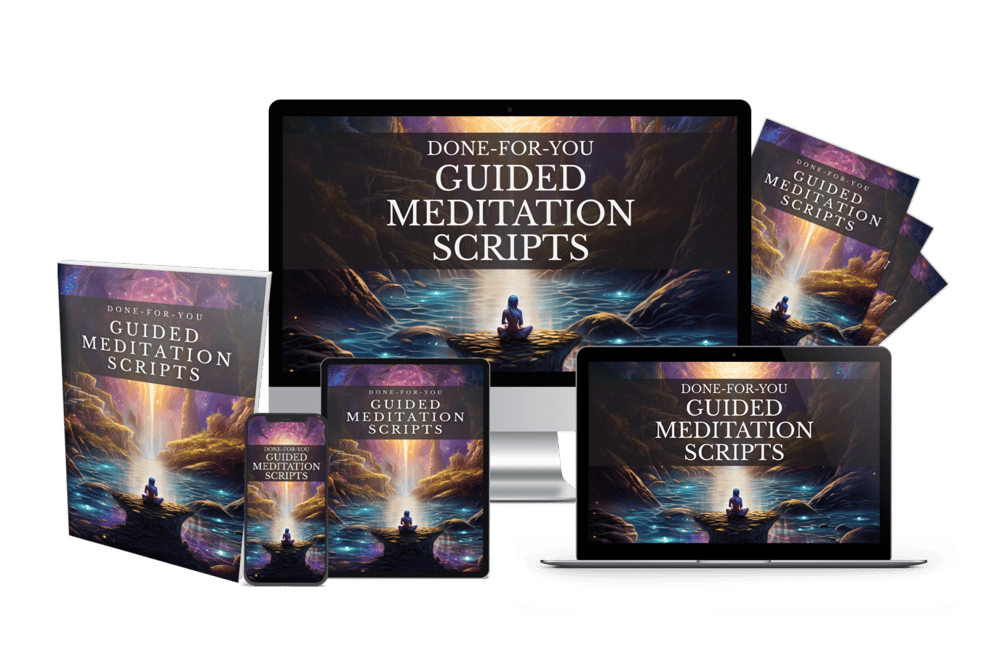
Thanks for reading this article ,If you’re looking for more resources to support your mindfulness practice or enhance your coaching sessions, visit mindfulnesscontent.com. We offer a comprehensive 600+ done-for-you guided meditation script bundle, perfect for professionals who want ready-to-use content to help their clients find peace and clarity. Plus, as a special gift, you can download 10 free guided meditation scripts to get started. Head over to our site to discover more tools and content designed to help you on your journey to mindfulness and wellness.
Looking for a Simple Way to Feel More Calm, Centered, and Inspired?
If you're not using these resources for a coaching practice or business, no worries .The following free resources were created to help you find more peace, healing, and balance, wherever you are in life:
Download The Best Free Meditation App- Manifesty

Access hundreds of powerful guided meditations designed to help you relax, recharge, and manifest the life you desire — anytime, anywhere.
Get Your Free Free Aroma Therapy Starter Kit

Get a free Aromatherapy Guide, Essential Oil Planner, 100+ Recipes, DIY Projects, 25% off our favorite bundle and Everything you need to begin your wellness journey!

About the Author - Nick Tsai
Nick Tsai is a Life Coach, Certified Meditation Coach, and NLP Practitioner. He created MindfulnessContent.com to help coaches grow their practice and make mindfulness more accessible through done-for-you scripts and resources. His mission is to empower both professionals and individuals on their journey to greater clarity, calm, and impact.
Want To Grow Your Mediation Practice?
Click the button below and to receive the Meditation Mastery Kit absolutely free. Gain access to a treasure trove of free guided meditation scripts, tracks, and social media post templates
Resources
Want To Grow Your Mediation Practice?
Get Our Meditation Mastery Kit For Free
Click the button below and to receive the Meditation Mastery Kit absolutely free. Gain access to a treasure trove of free guided meditation scripts, tracks, and social media post templates