Are You a Mindfulness Professional or Coach Looking to Grow Your Practice?
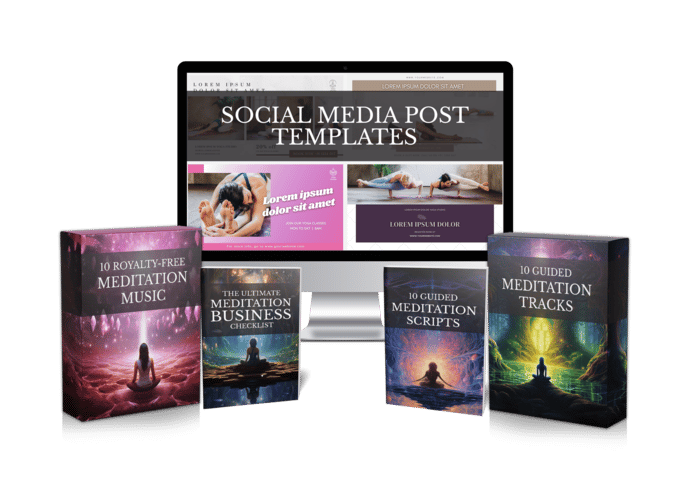
Share your best email address to receive the Meditation Mastery Kit — absolutely free. Inside, you’ll get done-for-you guided meditation scripts, royalty-free meditation tracks, and social media post templates to help you better serve your clients and expand your reach.
How to Clone Your Voice for Meditation Recordings: A Calm Step-by-Step Guide
Wednesday, October 14, 2026
If you’ve ever re-recorded the same body scan five times because a dog barked at minute twelve, you already know why so many teachers want to learn how to clone your voice for meditation recordings. Your voice is the thing your students trust. But your voice also gets tired, catches colds and only works when the house is quiet.
Voice cloning lets you keep the voice and lose most of the recording sessions. In this guide, we’ll walk through what an AI voice clone actually is, how to record a sample that captures your calm teaching tone, and how to turn your written scripts into finished meditation audio and video without living behind a microphone.
Why recording every meditation yourself wears you down
Imagine a yoga teacher, let’s call her Maya. She wants to send her students a short guided meditation every week. She writes a lovely script on Sunday, then waits until evening, when the house is finally quiet, to record it.
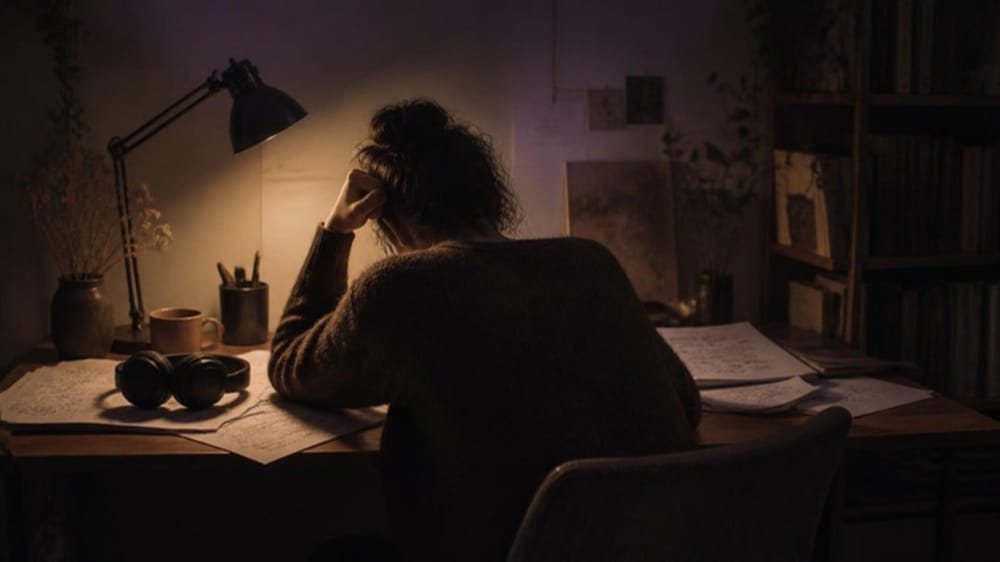
Then the problems start. The fridge hums. She stumbles over a line and starts again. After a full day of teaching, her voice sounds flat instead of soft. By the time she has one clean take, it’s late, and she still has to edit out the stumbles, add music and export the file.
None of this is about skill. Maya is a wonderful guide in a room full of people. The bottleneck is that every single meditation depends on her voice being fresh, her space being silent and her evening being free, all at the same time.
What voice cloning really does for meditation teachers
An AI voice clone is a digital model of your voice, created from a sample of you speaking. Once it exists, you can paste in a script and hear it narrated in a voice that sounds like yours, without recording each new session from scratch.
For wellness creators, that changes the math. You record carefully once, in your best meditation voice, and then reuse that voice across sleep meditations, morning affirmations, breathwork sessions or prayers. Your students still hear you. You just aren’t tied to the microphone every time.
It also helps with consistency. A cloned voice sounds the same on a Monday morning as it does on a Friday night, so a series of meditations feels like one cohesive collection instead of recordings made on good days and bad days.
This is exactly the job Mindful Render was built for. It’s an AI tool that turns text into guided meditation, positive affirmation and prayer videos and audios in minutes, and it includes voice cloning so you can narrate in your own voice. If you’d rather not clone, it also offers natural AI voices.
A clone isn’t magic, though. It reflects the sample you give it. A rushed, noisy sample tends to give you a rushed, noisy-sounding voice. So the real work happens in the next section.
How to clone your voice for meditation recordings, step by step
Step 1: Choose a quiet, soft space.
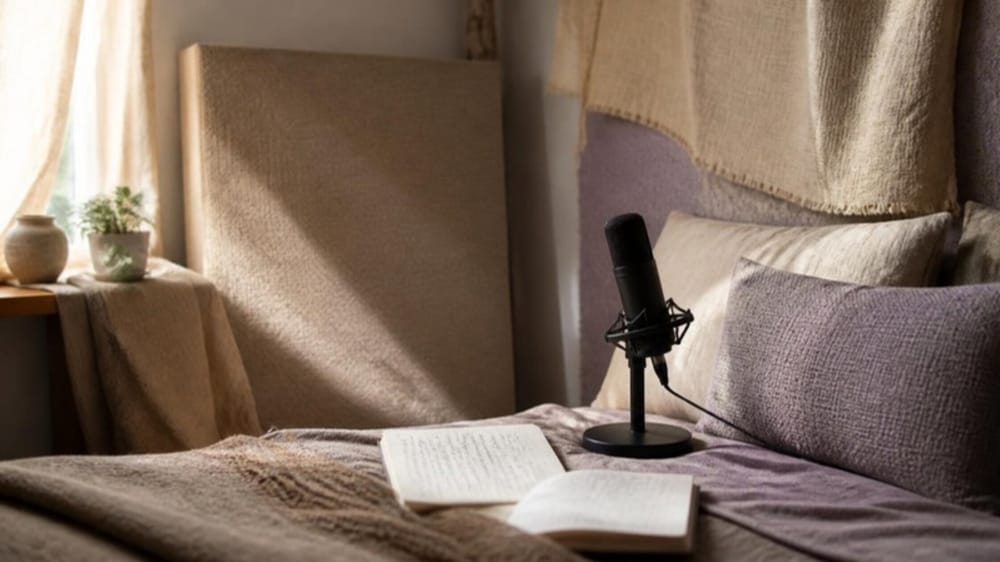
You don’t need a studio. A closet full of clothes or a bedroom corner with blankets and pillows absorbs echo surprisingly well. Turn off fans, heaters and notifications, and record when your home is at its quietest.
Step 2: Warm up your meditation voice.
Breathe slowly for a minute and read a few lines out loud before you start. You want the voice you use at the end of a class: unhurried, warm and a little lower than your everyday tone. That is the voice your clone will learn.
Step 3: Read real meditation lines, not random text.
Use a passage that sounds like your actual teaching, with gentle instructions, pauses and soft transitions. If you need material, our guided meditation scripts are full of calm, natural phrasing to read from. Then create your voice clone in Mindful Render from that sample.
Step 4: Listen back before you commit.
Play your sample on headphones. Listen for background hum, mouth clicks or moments where you sped up. If anything bothers you, record that part again now. It’s far easier than hearing it in every future meditation.
Step 5: Test the clone with a short script.
Start with a short breathing exercise rather than a full sleep journey. Listen for pacing, warmth and how the voice handles pauses. Small script tweaks, like shorter sentences and clear paragraph breaks, often make the narration feel more natural.
Step 6: Build the finished track.
Once you’re happy with the voice, add background music and visuals, or choose narration with no music for listeners who prefer silence. Listen once more with fresh ears, then share it.
Tips for a clone that sounds like you on your best day
- Record in one sitting — your tone, energy and microphone position stay consistent from start to finish.
- Keep the same distance from the mic — moving closer or further away changes how warm or thin you sound.
- Smile softly while you read — it adds warmth to your tone without sounding performed.
- Write for the ear — short sentences and natural pauses give any voice room to breathe.
- Clone only your own voice — never a colleague’s or a celebrity’s, and be open with your audience about how your audio is made.
These small habits matter more than expensive gear. A calm sample recorded on an ordinary microphone in a soft room will usually serve you better than a fancy setup in an echoey kitchen.
What changes once your voice is cloned
Back to Maya, our example teacher. Instead of recording every Sunday night, she writes her weekly script, pastes it in and has a finished meditation in her own voice the same afternoon. Her evenings are hers again.
The bigger shift is what becomes possible. A sleep series for her students. A set of morning affirmations. A short meditation for her online course. Each one sounds like her, because it is her voice, and none of them needed a new recording session.
With Mindful Render, you also get full commercial rights to what you create, with attribution optional, so you can sell your meditations, use them in paid programs or post them on your channel. That leaves you free to focus on the part only you can do: writing and guiding.
Start with one meditation this week
You don’t need to rebuild your whole library at once. Pick one script you love, record one careful sample, and notice how it feels to hear your own calm voice guide a session you didn’t have to record line by line.
If the first test doesn’t sound quite right, that’s normal. Record the sample again at a slower pace or in a quieter spot and try once more. Most of the improvement comes from the sample itself, not from fiddling with settings afterwards.
You can try Mindful Render free and turn your next script into a finished meditation in your own voice, without the late-night re-takes.
Want to Turn This Script Into a Professional Meditation Audio or Video in Just Few Clicks?

Meet Mindful Render, the ultimate A.I. tool for wellness creators. Skip the expensive microphones and editing software—our platform lets you generate studio-quality, ready-to-publish meditation videos or tracks from any text with in minutes. Just paste your script and let Mindful Render bring it to life.
Looking for More Resources to Grow Your Mindfulness Practice or Support Your Clients?
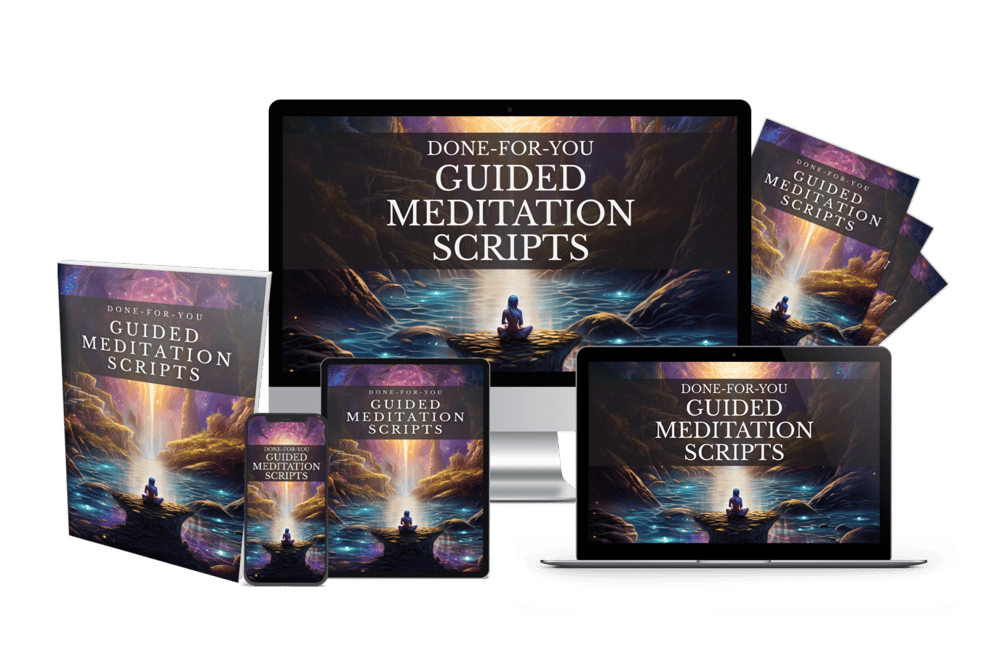
Thanks for reading this article ,If you’re looking for more resources to support your mindfulness practice or enhance your coaching sessions, visit mindfulnesscontent.com. We offer a comprehensive 600+ done-for-you guided meditation script bundle, perfect for professionals who want ready-to-use content to help their clients find peace and clarity. Plus, as a special gift, you can download 10 free guided meditation scripts to get started. Head over to our site to discover more tools and content designed to help you on your journey to mindfulness and wellness.
Looking for a Simple Way to Feel More Calm, Centered, and Inspired?
If you're not using these resources for a coaching practice or business, no worries .The following free resources were created to help you find more peace, healing, and balance, wherever you are in life:
Download The Best Free Meditation App- Manifesty

Access hundreds of powerful guided meditations designed to help you relax, recharge, and manifest the life you desire — anytime, anywhere.
Get Your Free Free Aroma Therapy Starter Kit
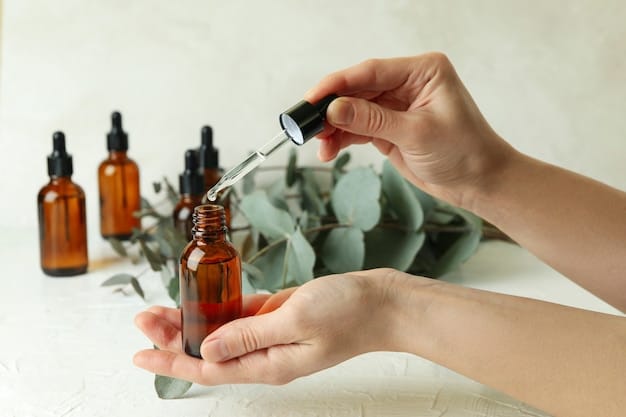
Get a free Aromatherapy Guide, Essential Oil Planner, 100+ Recipes, DIY Projects, 25% off our favorite bundle and Everything you need to begin your wellness journey!
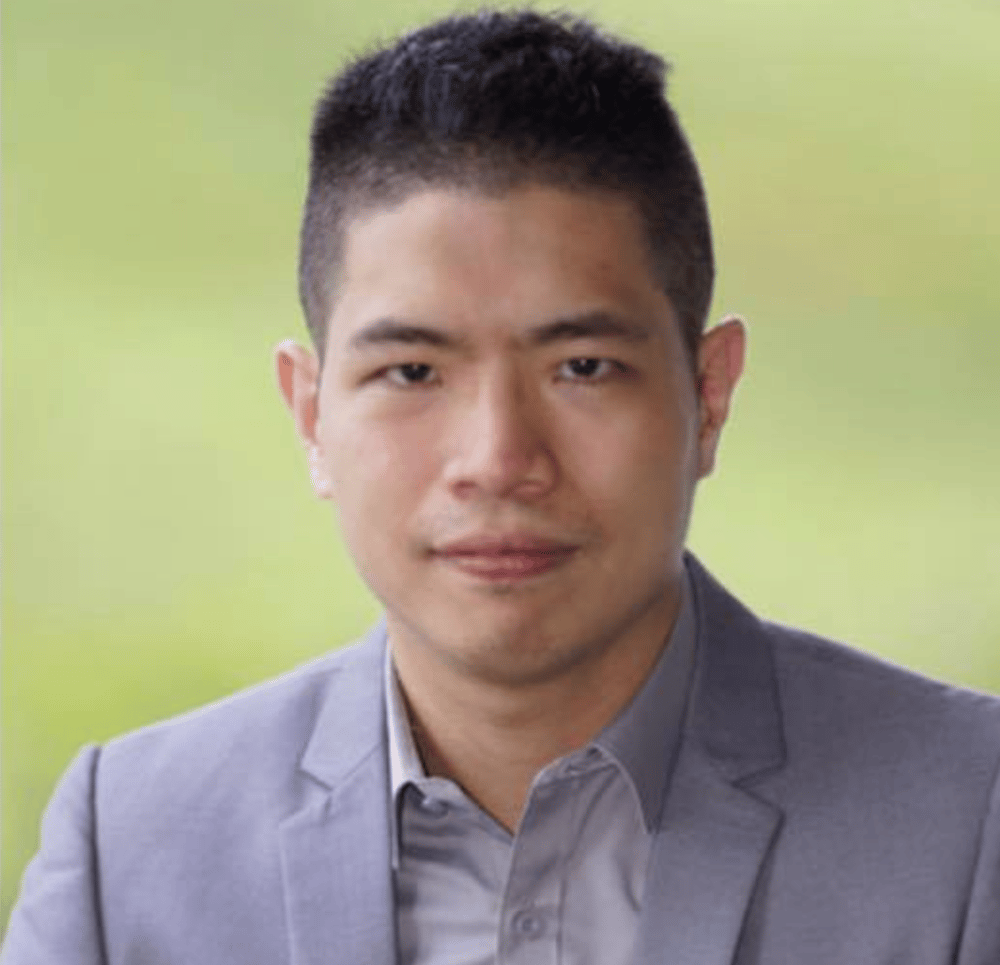
About the Author - Nick Tsai
Nick Tsai is a Life Coach, Certified Meditation Coach, and NLP Practitioner. He created MindfulnessContent.com to help coaches grow their practice and make mindfulness more accessible through done-for-you scripts and resources. His mission is to empower both professionals and individuals on their journey to greater clarity, calm, and impact.
Want To Grow Your Mediation Practice?
Click the button below and to receive the Meditation Mastery Kit absolutely free. Gain access to a treasure trove of free guided meditation scripts, tracks, and social media post templates
Resources
Want To Grow Your Mediation Practice?
Get Our Meditation Mastery Kit For Free
Click the button below and to receive the Meditation Mastery Kit absolutely free. Gain access to a treasure trove of free guided meditation scripts, tracks, and social media post templates