Are You a Mindfulness Professional or Coach Looking to Grow Your Practice?
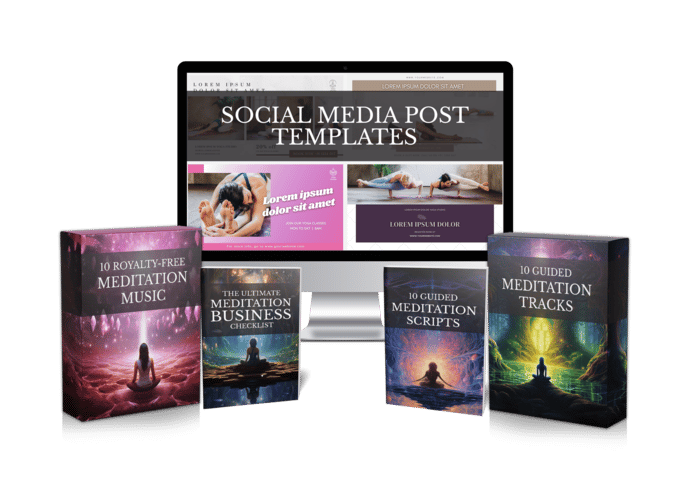
Share your best email address to receive the Meditation Mastery Kit — absolutely free. Inside, you’ll get done-for-you guided meditation scripts, royalty-free meditation tracks, and social media post templates to help you better serve your clients and expand your reach.

Best AI Tools for Meditation Teachers: 6 Types That Save Hours (and How to Choose)
Friday, November 13, 2026
You teach because you love the moment a room goes quiet. Not because you love editing audio at midnight. Still, if you want to share meditations online or send recordings to students, that’s usually where your evenings end up. The best AI tools for meditation teachers won’t replace your voice or your judgment. What they can do is take the slow, fiddly parts off your plate so you get back to teaching.
Search this topic and most of what comes up ranks meditation apps for people who want to meditate. That’s a different job. You need tools that help you make meditations: write them, voice them, add music and get them out the door. So this guide sorts the options by the problem each one solves, and ends with a simple way to test them.
What the Best AI Tools for Meditation Teachers Actually Fix
Take a typical teacher, let’s call her Maya. She teaches four yoga classes a week and closes each one with a ten-minute guided relaxation. Students keep asking for a recording they can use at home.
Maya has tried. She recorded in her bedroom closet to cut the echo, did take after take because the dog barked or she tripped over a word, then lost a Sunday learning an audio editor. The music she liked came with a license she couldn’t make sense of. One recording ate a whole weekend, and she never made a second.
Maya is made up. Her problems aren’t: no quiet room, nervous re-takes, hours of editing, music you’re not sure you can use, and no time left to post regularly. Each tool type below goes after one of those.
1. AI Scriptwriters for Blank-Page Days
Some weeks the words just come. Other weeks you know exactly how you want listeners to feel at the end, and the page stays empty anyway. An AI scriptwriter hands you a first draft in seconds, built around the theme, length and tone you pick.
Treat that draft like raw clay. Read it out loud, cut anything that sounds generic, and add the phrases you really say in class. If you’d rather start from a finished, tested text, our guided meditation scripts are written for teachers to read word for word.
A good script tool is less about clever writing and more about control. Here’s what to check before you rely on one:
- Clear prompts — you set the theme, length and audience instead of getting a one-size-fits-all script.
- Easy editing — you can change any line before it turns into audio.
- Room for pauses — the script leaves space for silence, which matters more in meditation than in almost any other content.
2 and 3. Natural AI Voices and Voice Cloning
Recording is where most teachers get stuck. A natural AI voice reads your script calmly, with no shaky first minute and no twelfth take. Test a few voices on your own script before deciding, though. A voice that sounds lovely in a demo can feel rushed over a slow body scan.
Voice cloning goes one step further. You give the tool a sample of your voice, and it can then narrate new scripts as you. If your students already know and trust the way you speak, this may be the most useful tool on the list.
In Mindful Render, both live in one place. Choose a natural AI voice for a faceless channel, or clone your own so every track still sounds like you.
4 and 5. Music and Visuals You’re Allowed to Use
Music is the quiet trap. Plenty of calm tracks are free to listen to but not free to put inside a course you sell or a video you monetize. Before you add any track, check that its license covers commercial use, and jot down where each one came from.
Visuals count too if you post on YouTube or social media. A slow, soft background helps people settle without pulling attention away from the voice. Busy footage, fast cuts or bright colors tend to work against what you’re trying to do.
Here an all-in-one tool takes away most of the worry. Mindful Render adds background music and custom visuals to your meditation, or keeps it to narration with no music at all if you prefer. You get full commercial rights to what you create, and attribution is optional, so you don’t have to credit anyone on every upload.
- Keep the music low — the voice should always sit clearly on top.
- Match the visual to the theme — water for letting go, soft light for evening practice, forest scenes for grounding.
- Save your license notes — one short document per project spares you stress later.
6. All-in-One Generators: Script to Finished Track in Minutes
The biggest time saver isn’t one clever tool. It’s not having to shuttle a project between five of them. Every handoff costs you: export the script, upload it, download the audio, open the editor, line up the music, render the video.
An all-in-one generator cuts out those handoffs. With Mindful Render, you go from text to a finished guided meditation, positive affirmation or prayer video or audio in minutes. Write or generate the script, pick a voice, add music and visuals, then render.
Back to our example. Picture Maya using one quiet evening to turn her four class relaxations into finished tracks. Her students get them the same week, and she has the start of a small library she can share with new students or package up later.
How to Choose Your Tools: A One-Week Test
You don’t need every tool at once. Buying five subscriptions in one afternoon is a fast way to end up using none of them. Run a short test instead, using one real script you already teach, and judge the tools by the finished track rather than the feature list.
- Day 1 — pick a script you know well and one tool to try.
- Day 2 — listen to two or three voices, or record a sample for voice cloning.
- Day 3 — add music and, if you post video, a background.
- Day 4 — play the finished track start to finish and note anything that breaks the calm.
- Day 5 — share it with a few students and ask one question: would you use this at home?
If they say yes and the whole thing fit into an evening, you’ve found your workflow. If not, swap one piece and test again.
The best AI tools for meditation teachers hand back the hours you’d spend wrestling with gear, so you can put them into the part only you can do. You can try Mindful Render free and turn your next class relaxation into a finished track before the weekend.
Want to Turn This Script Into a Professional Meditation Audio or Video in Just Few Clicks?

Meet Mindful Render, the ultimate A.I. tool for wellness creators. Skip the expensive microphones and editing software—our platform lets you generate studio-quality, ready-to-publish meditation videos or tracks from any text with in minutes. Just paste your script and let Mindful Render bring it to life.
Looking for More Resources to Grow Your Mindfulness Practice or Support Your Clients?
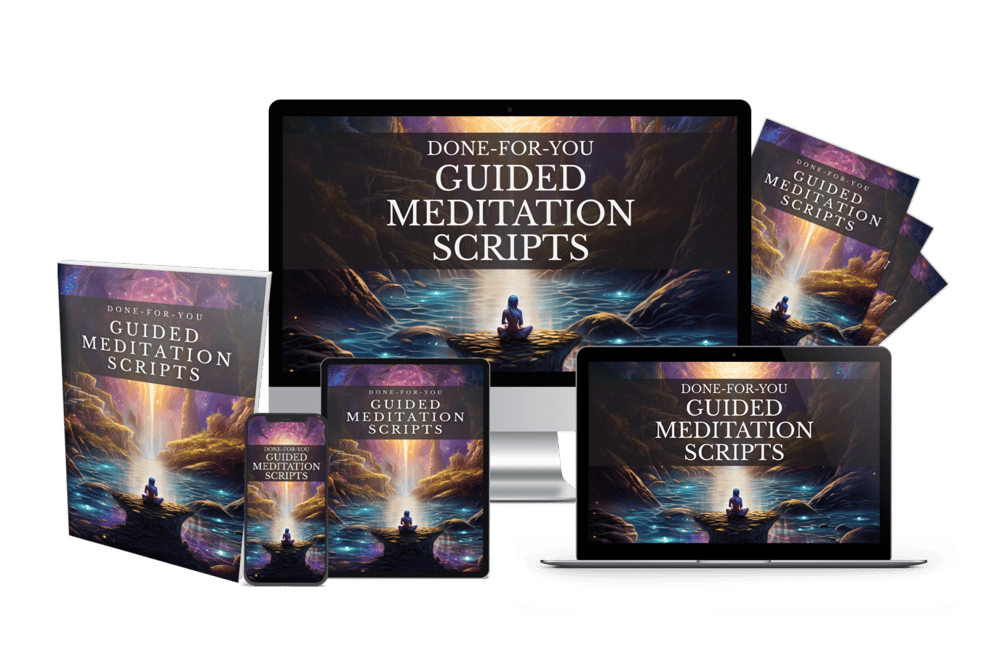
Thanks for reading this article ,If you’re looking for more resources to support your mindfulness practice or enhance your coaching sessions, visit mindfulnesscontent.com. We offer a comprehensive 600+ done-for-you guided meditation script bundle, perfect for professionals who want ready-to-use content to help their clients find peace and clarity. Plus, as a special gift, you can download 10 free guided meditation scripts to get started. Head over to our site to discover more tools and content designed to help you on your journey to mindfulness and wellness.
Looking for a Simple Way to Feel More Calm, Centered, and Inspired?
If you're not using these resources for a coaching practice or business, no worries .The following free resources were created to help you find more peace, healing, and balance, wherever you are in life:
Download The Best Free Meditation App- Manifesty

Access hundreds of powerful guided meditations designed to help you relax, recharge, and manifest the life you desire — anytime, anywhere.
Get Your Free Free Aroma Therapy Starter Kit

Get a free Aromatherapy Guide, Essential Oil Planner, 100+ Recipes, DIY Projects, 25% off our favorite bundle and Everything you need to begin your wellness journey!

About the Author - Nick Tsai
Nick Tsai is a Life Coach, Certified Meditation Coach, and NLP Practitioner. He created MindfulnessContent.com to help coaches grow their practice and make mindfulness more accessible through done-for-you scripts and resources. His mission is to empower both professionals and individuals on their journey to greater clarity, calm, and impact.
Want To Grow Your Mediation Practice?
Click the button below and to receive the Meditation Mastery Kit absolutely free. Gain access to a treasure trove of free guided meditation scripts, tracks, and social media post templates
Resources
Want To Grow Your Mediation Practice?
Get Our Meditation Mastery Kit For Free
Click the button below and to receive the Meditation Mastery Kit absolutely free. Gain access to a treasure trove of free guided meditation scripts, tracks, and social media post templates