Are You a Mindfulness Professional or Coach Looking to Grow Your Practice?
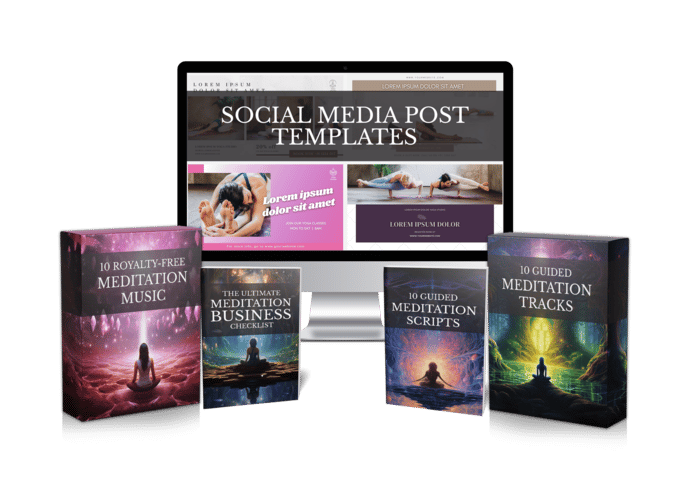
Share your best email address to receive the Meditation Mastery Kit — absolutely free. Inside, you’ll get done-for-you guided meditation scripts, royalty-free meditation tracks, and social media post templates to help you better serve your clients and expand your reach.

AI Voice for Guided Meditation: How to Get Calm, Natural Narration Without Recording Yourself
Tuesday, October 13, 2026
You wrote a beautiful script. You know exactly how the meditation should feel. Then you press record, and the voice that comes out sounds rushed, tense or nothing like the calm guide you are in a live session. If that sounds familiar, an AI voice for guided meditation may be the shortcut you have been looking for.
This guide walks through why narration is so hard to get right at home, what separates a soothing AI meditation voice from a robotic one, and a simple step-by-step process for turning your scripts into calm, finished audio and video.
Why Your Voice Is the Hardest Part of a Guided Meditation
Take a typical meditation teacher, let’s call her Maya. She guides lovely in-person classes, and her students keep asking for recordings they can use at home. So one evening she clears her desk, hangs a blanket on the wall to soften the echo and sets up a microphone.
Three hours later she has a dozen takes. In one the neighbor’s dog barks. In another she stumbles over a line. In the best one, her voice sounds tight because she was trying so hard to sound relaxed. And she still has to edit out the breaths, line it up with music and export it.
Maya’s story is an example, but the pattern is real for many wellness creators. Recording at home means fighting noise, nerves and re-takes, and that is before any editing begins. It is the main reason so many good scripts never become finished recordings.

What Makes a Good AI Voice for Guided Meditation
Not every text-to-speech voice is right for meditation. A voice that works well for an explainer video can feel cold or hurried when someone is trying to fall asleep. When you audition voices, listen for these qualities:
- A slow, unhurried pace — the voice should leave room to breathe between phrases.
- Warmth over polish — a soft, natural tone feels more trustworthy than a crisp announcer voice.
- Steady energy — no sudden jumps in volume or pitch that pull the listener out of relaxation.
- Clear but gentle consonants — words should be easy to follow without sounding sharp.
- A fit for your audience — a sleep story, a morning affirmation and a prayer each call for a slightly different feel.
The best test is simple: play a sample with your eyes closed. If you feel your shoulders drop, you are on the right track. If you start noticing the voice itself, keep looking.
It also helps to think about who will be listening. A therapist sharing relaxation audio with clients may want a neutral, reassuring tone. A faceless YouTube channel built around sleep content may lean softer and slower. A prayer or affirmation channel might want a little more warmth and conviction. Choosing deliberately, rather than settling for the default voice, is one of the easiest ways to make your content feel professional.
How to Create Meditation Narration with an AI Voice, Step by Step
Here is the workflow Maya could follow instead of another late night at the microphone. It works whether you want an audio track for a course or a full video for YouTube.
Step 1: Start with a script written for the ear.
Short sentences, simple words and plenty of natural pauses. If you need a starting point, you can adapt one of our guided meditation scripts or let an AI scriptwriter draft one for you to edit.
Step 2: Mark the pauses and slow moments.
Read the script aloud once and note where a listener needs silence, such as after each breath cue. Line breaks and punctuation help shape pacing in many voice tools, so build them in on purpose.
Step 3: Choose a voice that matches the session.
Audition two or three voices against the checklist above. Pick the one that disappears into the experience rather than the one that sounds most impressive.
Step 4: Add music and visuals, or keep it voice only.
Some listeners love a soft background track. Others, especially in breathwork or prayer, prefer narration alone. Decide based on the purpose of the session, not habit.
Step 5: Listen all the way through before you publish.
Play the finished piece at the volume your audience will use. Fix any line that sounds rushed, then export and share.
This is exactly the workflow Mindful Render was built for. You paste or generate a script, choose a natural AI voice, add background music and visuals (or choose narration with no music), and get a finished guided meditation, affirmation or prayer video or audio in minutes, with no microphone, no editing timeline and no syncing by hand.

Want It to Sound Like You? Try Voice Cloning
Some teachers worry that an AI meditation voice will feel less personal. Your students know your voice, and that familiarity is part of why they trust you. Voice cloning solves that tension.
With Mindful Render, you can clone your own voice and have every new script narrated by it. You record a sample once, and after that your sessions sound like you without the evening of re-takes. It is especially useful if you publish often and want a consistent sound across every track.
A quick note on ethics: only clone a voice you have the right to use, which in practice means your own. Being open with your audience about how your recordings are made also helps keep the trust you have built.
For Maya, this changes the whole rhythm of her week. Instead of saving one exhausting evening for a single recording, she can turn a script into a finished session whenever inspiration strikes, then spend the time she saved on what she does best: teaching, writing and connecting with her students.
Small Touches That Keep Listeners Relaxed
Once you have a voice you like, a few details make the difference between a track people skip and one they come back to every night:
- Open gently — give the listener a few quiet seconds to settle before the first words.
- Repeat key cues — a returning phrase such as an invitation to soften the breath feels like an anchor.
- Match the visuals to the mood — slow nature scenes suit sleep and calm, brighter light suits morning affirmations.
- Keep a consistent voice — using the same narrator across a series helps your channel or course feel like one place.
- End softly — fade out slowly instead of stopping abruptly, especially for sleep content.
Rights matter too if you plan to sell or monetize your work. Using a tool that gives you clear commercial rights to what you create, with attribution optional, saves you from licensing headaches later on.
The right AI voice for guided meditation will not replace your wisdom as a teacher. It removes the part that was holding you back, so your scripts can finally reach the people who need them. You can try Mindful Render free and turn your next script into a calm, finished meditation today.
Want to Turn This Script Into a Professional Meditation Audio or Video in Just Few Clicks?

Meet Mindful Render, the ultimate A.I. tool for wellness creators. Skip the expensive microphones and editing software—our platform lets you generate studio-quality, ready-to-publish meditation videos or tracks from any text with in minutes. Just paste your script and let Mindful Render bring it to life.
Looking for More Resources to Grow Your Mindfulness Practice or Support Your Clients?
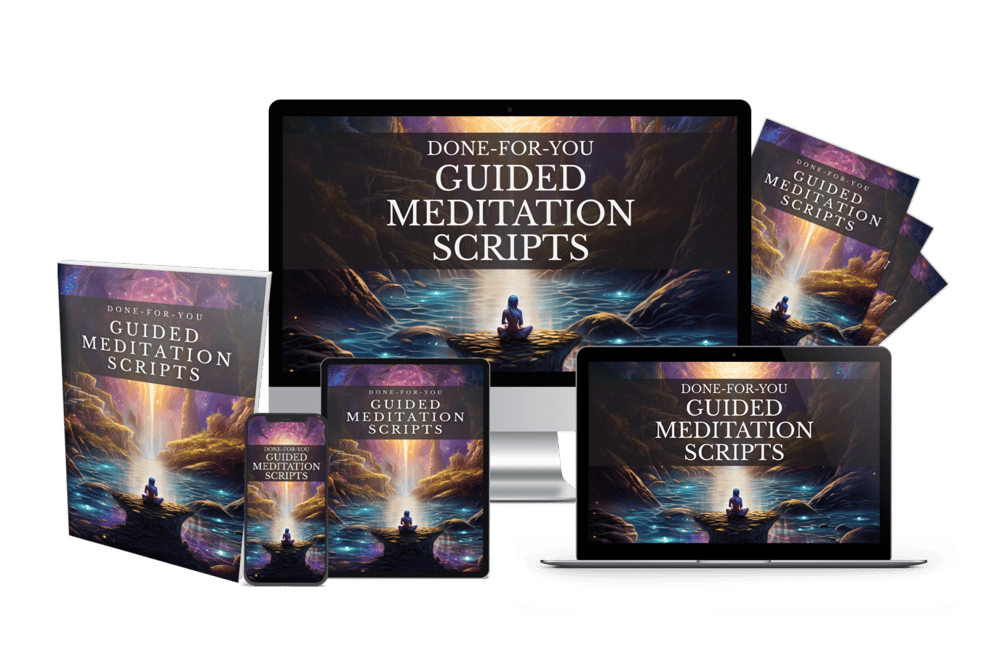
Thanks for reading this article ,If you’re looking for more resources to support your mindfulness practice or enhance your coaching sessions, visit mindfulnesscontent.com. We offer a comprehensive 600+ done-for-you guided meditation script bundle, perfect for professionals who want ready-to-use content to help their clients find peace and clarity. Plus, as a special gift, you can download 10 free guided meditation scripts to get started. Head over to our site to discover more tools and content designed to help you on your journey to mindfulness and wellness.
Looking for a Simple Way to Feel More Calm, Centered, and Inspired?
If you're not using these resources for a coaching practice or business, no worries .The following free resources were created to help you find more peace, healing, and balance, wherever you are in life:
Download The Best Free Meditation App- Manifesty

Access hundreds of powerful guided meditations designed to help you relax, recharge, and manifest the life you desire — anytime, anywhere.
Get Your Free Free Aroma Therapy Starter Kit

Get a free Aromatherapy Guide, Essential Oil Planner, 100+ Recipes, DIY Projects, 25% off our favorite bundle and Everything you need to begin your wellness journey!

About the Author - Nick Tsai
Nick Tsai is a Life Coach, Certified Meditation Coach, and NLP Practitioner. He created MindfulnessContent.com to help coaches grow their practice and make mindfulness more accessible through done-for-you scripts and resources. His mission is to empower both professionals and individuals on their journey to greater clarity, calm, and impact.
Want To Grow Your Mediation Practice?
Click the button below and to receive the Meditation Mastery Kit absolutely free. Gain access to a treasure trove of free guided meditation scripts, tracks, and social media post templates
Resources
Want To Grow Your Mediation Practice?
Get Our Meditation Mastery Kit For Free
Click the button below and to receive the Meditation Mastery Kit absolutely free. Gain access to a treasure trove of free guided meditation scripts, tracks, and social media post templates