Are You a Mindfulness Professional or Coach Looking to Grow Your Practice?
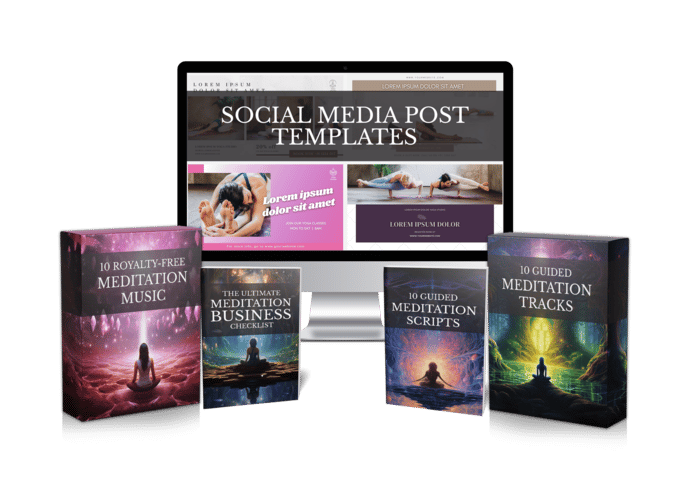
Share your best email address to receive the Meditation Mastery Kit — absolutely free. Inside, you’ll get done-for-you guided meditation scripts, royalty-free meditation tracks, and social media post templates to help you better serve your clients and expand your reach.

AI Meditation Video Generator: How to Turn Your Script into a Calm, Finished Video (No Studio Needed)
Saturday, October 10, 2026
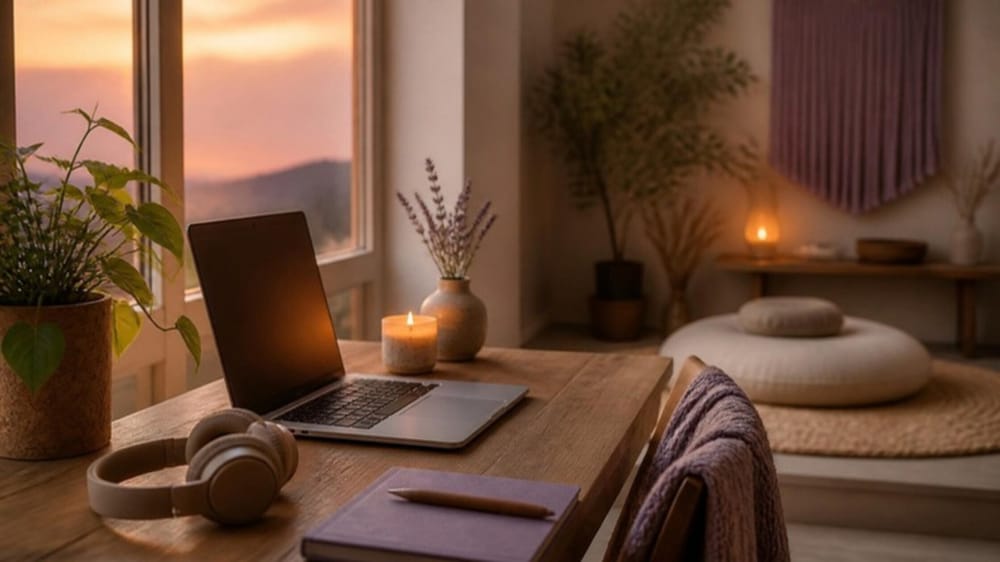
If you’ve ever tried to make a guided meditation video the traditional way, you know the drill: write the script, find a quiet hour, record, re-record, clean up the audio, hunt for music you’re actually allowed to use, line everything up on a timeline, add visuals, export, and hope it sounds as calm as it felt in your head. An AI meditation video generator collapses most of that work into a single, simple workflow — so you can spend your energy on the part that matters: the words and the intention behind them.
This guide is for meditation teachers, yoga teachers, coaches, therapists and faceless channel creators who want to publish calm, professional meditation videos without a studio. We’ll look at why the old process wears people out, what to look for in a tool, and a step-by-step way to go from script to finished video.
Why making meditation videos feels so hard
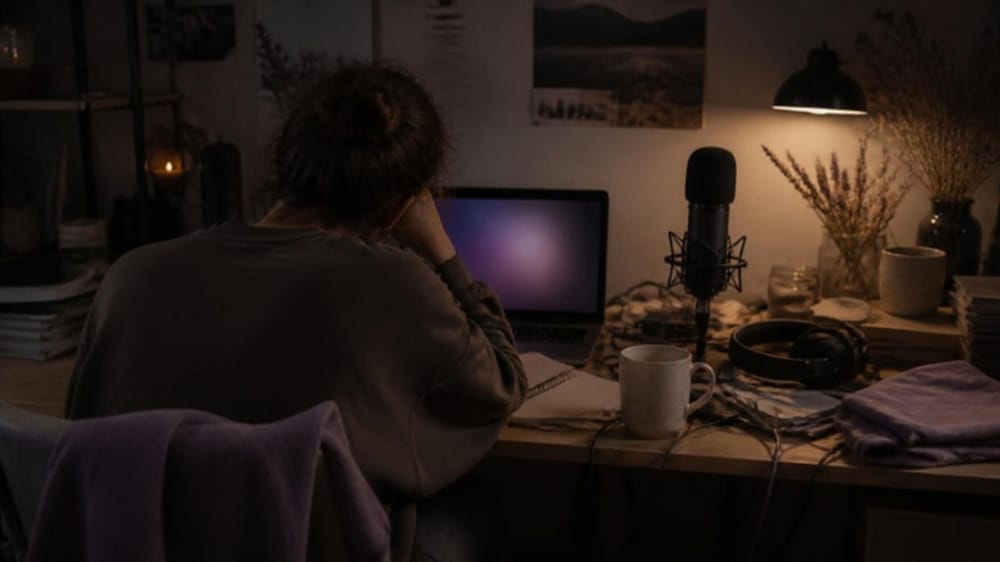
Most creators don’t struggle with ideas. They struggle with production. Imagine a yoga teacher — let’s call her Maya — who wants to share a short evening wind-down meditation with her students every week. She writes a lovely script on Sunday. Then the problems start.
Her apartment is never quite quiet: a neighbor’s door, a passing car, the fridge humming. Her voice sounds tense on the first take because she knows she’s being recorded. By the fifth take, the delivery is better but there’s a dog barking in the background.
Then comes editing: trimming breaths, removing clicks, adding pauses, and balancing her voice against a music track she found online — only to realize she isn’t sure whether she can use that track on a monetized channel or in a paid course.
Three or four hours later, she has one 10-minute video. And next week, she has to do it all again. This is the point where many talented teachers quietly stop posting. Not because they ran out of things to say, but because the production overhead never got lighter.
What an AI meditation video generator actually does
A good AI meditation video generator takes the production steps that drain your time and handles them for you. You bring the intention and the script (or a prompt), and the tool turns it into a finished, listenable, watchable meditation.
Mindful Render is built specifically for this. Instead of a general-purpose video editor where you assemble everything yourself, it’s an AI tool designed to create guided meditation, positive affirmation and prayer videos and audios from text in minutes.
That focus matters, because meditation content has different needs than a product demo or a talking-head explainer: slow pacing, a warm and steady voice, gentle background music, and visuals that support stillness instead of competing for attention.
What to look for in an AI meditation video generator
Before you pick a tool, check it against the things that make or break a meditation video:
- A calm, natural voice — robotic narration breaks the spell instantly. Listen to samples with headphones and ask: would I relax to this?
- Your own voice, if you want it — many teachers want students to hear them. Voice cloning lets you narrate in your own voice without recording every session.
- Help with the script — a built-in AI scriptwriter is useful when you’re short on time or need a starting draft you can personalize.
- Music and visuals included — searching for background tracks and footage separately is where hours disappear. Look for both inside the same workflow, plus the option to skip music when you want voice only.
- Clear commercial rights — if you plan to monetize a channel, sell recordings, or include videos in a course or membership, you need to know you can use what you create commercially.
Mindful Render checks each of these boxes: natural AI voices, voice cloning so you can narrate in your own voice, an AI scriptwriter, custom background visuals and music (or narration with no music), and full commercial rights to what you create, with attribution optional.
How to create a guided meditation video with AI, step by step
Here’s a simple workflow you can repeat every week — or every day, if you run a channel.
Step 1: Choose one clear intention.
Sleep, morning calm, stress relief, gratitude, self-compassion. One video, one purpose. Viewers search for outcomes, so a specific intention also makes your video easier to title and find.
Step 2: Start with a script.
Write your own, use an AI scriptwriter to draft one, or adapt a professionally written script from a library such as these guided meditation scripts. Read it aloud once and cut anything that feels rushed.
Step 3: Build in pauses.
Meditation lives in the silence between sentences. Mark where you want the listener to breathe, settle or visualize, and keep instructions short.
Step 4: Pick the voice.
Choose a natural AI voice that matches the mood — softer and slower for sleep, warmer and brighter for morning practice — or use voice cloning so the meditation is narrated in your own voice.
Step 5: Set the atmosphere.
Choose background visuals and music that support the intention: dim, slow scenes for evening practices; light, airy ones for mornings. For some practices, like a focused body scan, narration with no music can feel cleaner.
Step 6: Generate, then listen like a student.
Put on headphones, close your eyes and listen to the whole thing. Does the pacing let you actually relax? Adjust and regenerate if needed.
Step 7: Publish and keep a rhythm.
Upload to your channel, course, membership or client folder. Consistency beats perfection, and when each video takes minutes instead of hours, consistency becomes realistic.
Tips to make your AI meditation videos feel personal
The goal isn’t to sound like everyone else. A few small habits keep your content unmistakably yours:
- Write in your own language — use the phrases you naturally say in class. AI can draft, but your edits are what make it feel like you.
- Open and close the same way — a consistent welcome and closing line helps listeners recognize your voice, literally and figuratively.
- Serve one audience — a video for anxious new parents will sound different from one for athletes. Speak to one person.
- Batch your work — write four scripts in one sitting, then generate them together. You’ll stay in a creative flow instead of switching between writing and editing modes.
What changes when production stops being the bottleneck
Go back to Maya, our example teacher. Imagine she keeps writing her scripts on Sunday, but instead of recording and editing, she generates each meditation in her own cloned voice with soft background music and a calm visual. The hours she used to spend fighting background noise and timelines now go into what she’s best at: understanding her students and writing practices that help them.
That’s the real promise of an AI meditation video generator. It doesn’t replace your wisdom, your training or your care for the people you serve. It removes the friction between having something meaningful to share and actually sharing it.
Teachers can send students a recording after every class. Coaches and therapists can create relaxation audio tailored to a specific client theme. Faceless channel creators can publish on a steady schedule without burning out.
Start creating your first AI meditation video
If you’ve been putting off meditation videos because recording and editing feel overwhelming, this is your sign to try a simpler way. Pick one intention, write (or generate) one short script, and turn it into a finished video this week.
You can try Mindful Render free and create your first guided meditation video from text in minutes — in a natural AI voice or your own.
Want to Turn This Script Into a Professional Meditation Audio or Video in Just Few Clicks?

Meet Mindful Render, the ultimate A.I. tool for wellness creators. Skip the expensive microphones and editing software—our platform lets you generate studio-quality, ready-to-publish meditation videos or tracks from any text with in minutes. Just paste your script and let Mindful Render bring it to life.
Looking for More Resources to Grow Your Mindfulness Practice or Support Your Clients?
Thanks for reading this article ,If you’re looking for more resources to support your mindfulness practice or enhance your coaching sessions, visit mindfulnesscontent.com. We offer a comprehensive 600+ done-for-you guided meditation script bundle, perfect for professionals who want ready-to-use content to help their clients find peace and clarity. Plus, as a special gift, you can download 10 free guided meditation scripts to get started. Head over to our site to discover more tools and content designed to help you on your journey to mindfulness and wellness.
Looking for a Simple Way to Feel More Calm, Centered, and Inspired?
If you're not using these resources for a coaching practice or business, no worries .The following free resources were created to help you find more peace, healing, and balance, wherever you are in life:
Download The Best Free Meditation App- Manifesty

Access hundreds of powerful guided meditations designed to help you relax, recharge, and manifest the life you desire — anytime, anywhere.
Get Your Free Free Aroma Therapy Starter Kit

Get a free Aromatherapy Guide, Essential Oil Planner, 100+ Recipes, DIY Projects, 25% off our favorite bundle and Everything you need to begin your wellness journey!

About the Author - Nick Tsai
Nick Tsai is a Life Coach, Certified Meditation Coach, and NLP Practitioner. He created MindfulnessContent.com to help coaches grow their practice and make mindfulness more accessible through done-for-you scripts and resources. His mission is to empower both professionals and individuals on their journey to greater clarity, calm, and impact.
Want To Grow Your Mediation Practice?
Click the button below and to receive the Meditation Mastery Kit absolutely free. Gain access to a treasure trove of free guided meditation scripts, tracks, and social media post templates
Resources
Want To Grow Your Mediation Practice?
Get Our Meditation Mastery Kit For Free
Click the button below and to receive the Meditation Mastery Kit absolutely free. Gain access to a treasure trove of free guided meditation scripts, tracks, and social media post templates